The all-in-one hard surface plugin for Blender

The Old Boolean Workflow IsDEAD

Cutting, snapping, bevels, clean topology, cables and pie menus. Six add-ons' worth of tools in one, with nothing new to learn.

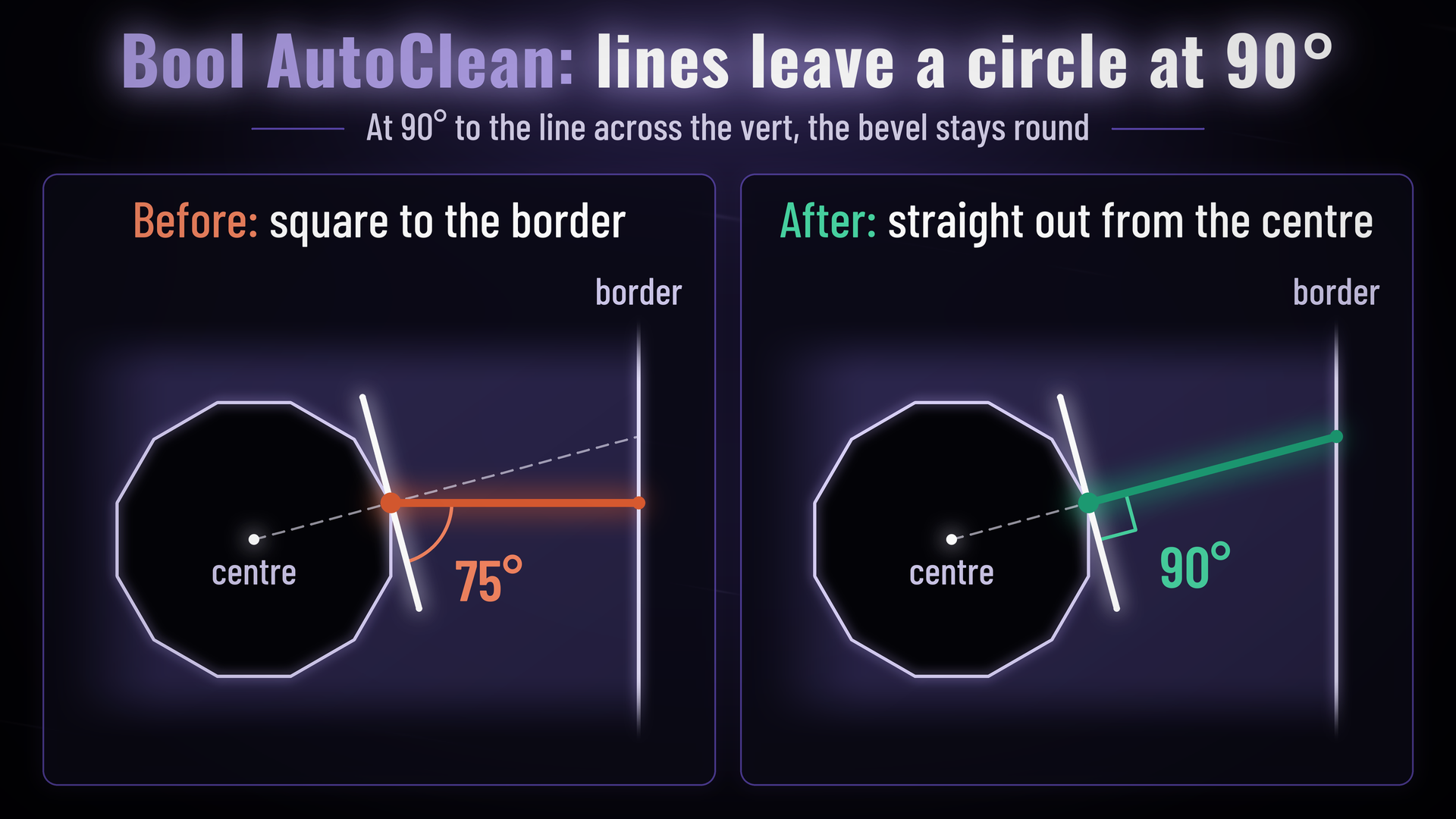
Bool AutoClean: lines leave a circle at 90 degreesRender 01
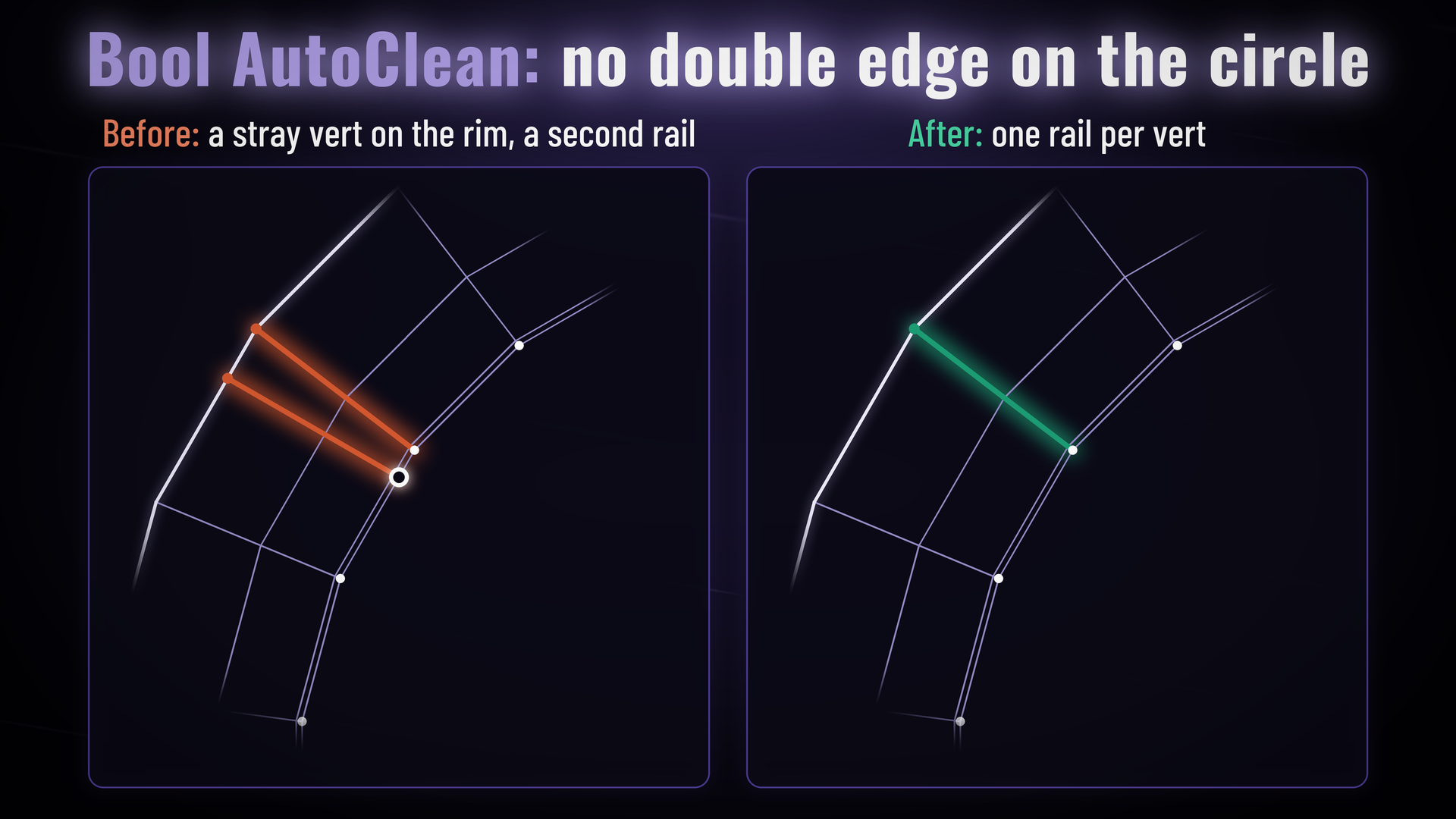
Bool AutoClean: no double edge on the circleRender 02
VSL ยท explainer
Explainer video16:9 ยท in production
I Want This One-time payment ยท Blender 5.2+
Bundle mockupwide transparent PNG ยท product box + feature boxes, as on MaterialWorks
All in one

Six add-ons. Six menus.
Six keymaps. Or one.

MeshWorks does the job of the hard surface add-ons you already juggle, behind one simple menu. No stack to manage, nothing fighting over your hotkeys.

Hard Opsโ†’ Q menu, bevel, mirror, modifier sort
Boxcutterโ†’ BoolWorks box, circle & N-gon cuts
MESHmachineโ†’ AutoClean, clean corners, half bevel
MACHIN3toolsโ†’ Tab, cursor & align pies
Cableratorโ†’ CableWorks cables & caps
LoopToolsโ†’ TopoFix & LoopTools menu
MeshWorksOne add-on
One menu ยท One keymap

No learning curve

One menu that only shows what your selection needs. If you know Blender, you already know MeshWorks.

Booleans that just work

Clean connection points, coplanar cuts and the right solver, every time, with no settings to touch.

Clean topology by default

The mesh is tidied while you cut, so it's ready to bevel, subdivide or export when you're done.

What's inside

Everything you need to model hard surface. Nothing you don't.

01
Clip ยท BoolWorks
BoolWorks cutbox โ†’ circle โ†’ N-gon ยท scroll modes
BoolWorks

Draw the Cut. That's It.

Hold Ctrl and drag a box, circle or N-gon straight onto your model. Scroll while you draw to switch between Difference, Union and Slice.

Cutters are tucked into their own collection, scale is applied and the modifier stack is kept in order. You never open the modifier panel.

Ctrl + dragScroll cut typeTab pause & edit
02
Blender
Blender's default: cuts joined to the face corner to corner
MeshWorks
MeshWorks Bool Anchor: every cut joined to its nearest edge
Bool Anchor

Perfect Connection Points. By Default.

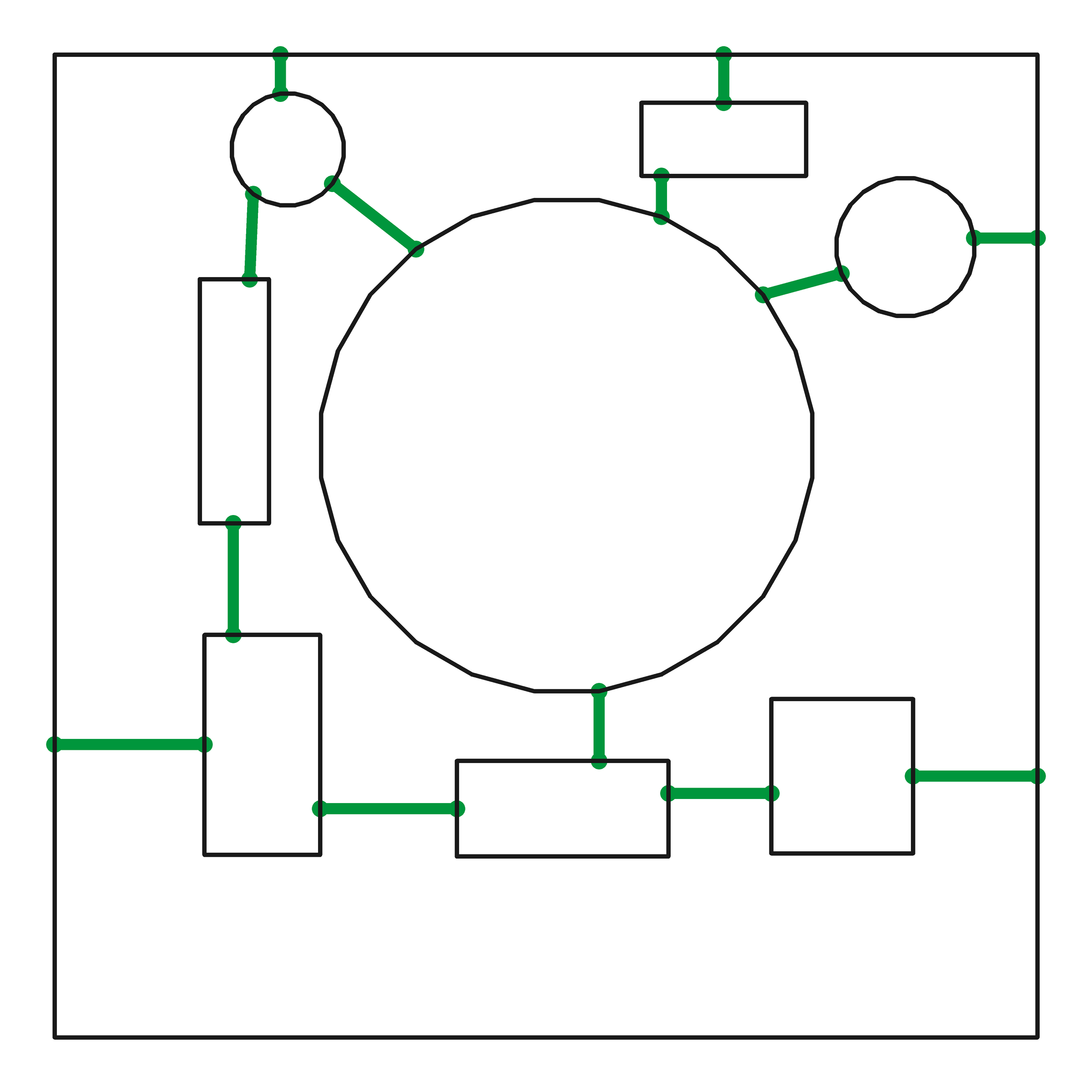
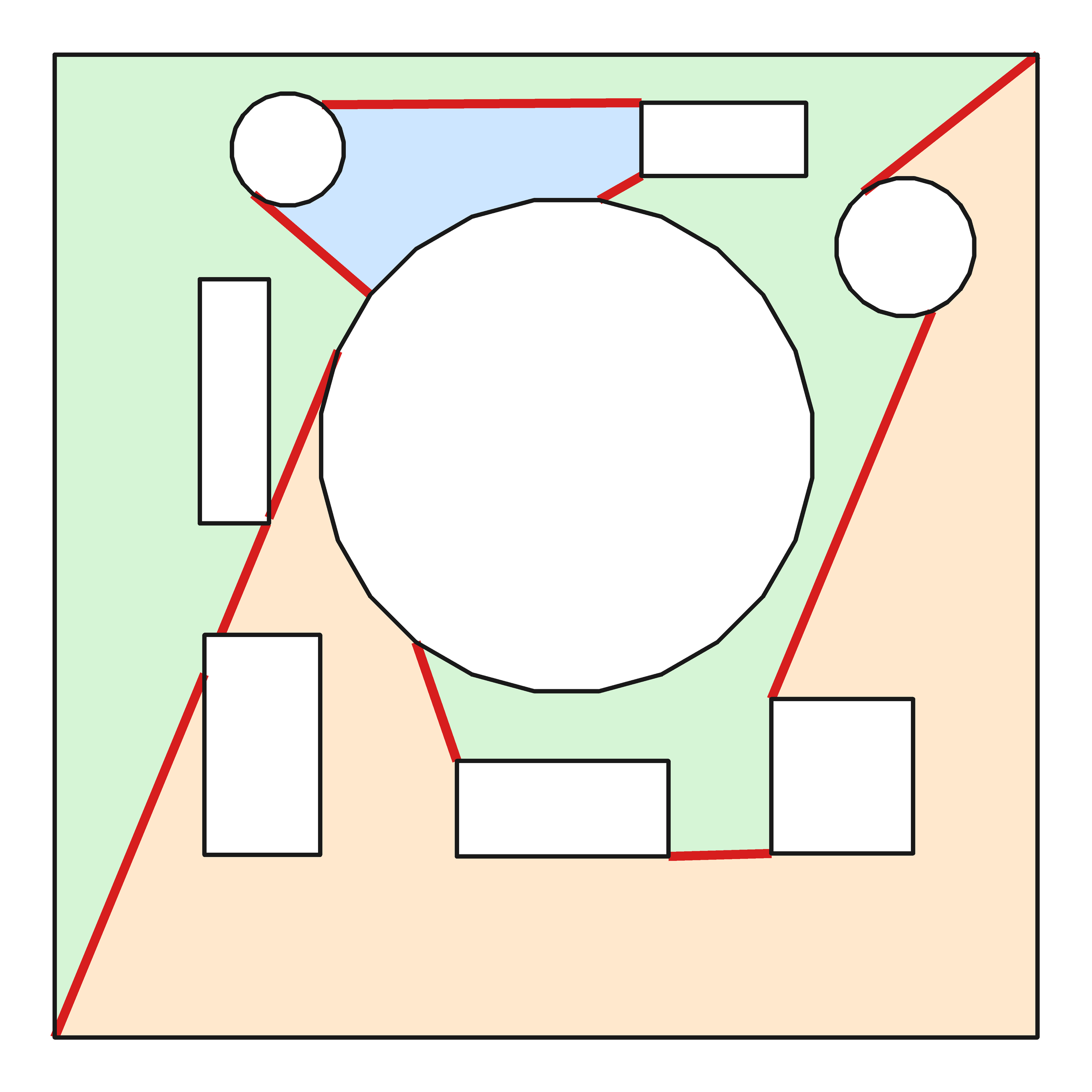
Blender joins each cut to the face with long triangles running corner to corner. MeshWorks joins every cut to its nearest edge with short, straight lines.

It stays live. Move a cutter and the connections follow it.

03
Clip ยท Coplanar
Coplanar cutsflush union + flush difference, no artifacts
Coplanar booleans

Coplanar Cuts. Zero Issues.

Flush faces are where booleans usually break. MeshWorks handles them for you and picks the right solver on every cut, so you never switch between Fast and Exact again.

  • Flush unions melt straight into the surface
  • Cutters stay exact through moves, scales and turns
  • No missing faces, no z-fighting, no guessing
04
Bool AutoClean: a double edge on a circle rim becomes a single clean edge
AutoClean ยท Clean Mesh

Clean Geometry, Every Single Cut

AutoClean tidies the mesh after each cut: no double edges around circles, no stray verts on the rim, and clean lines out of every circle at 90ยฐ.

When you apply, Clean Mesh splits crossed faces and removes the triangle edges you don't need. Bevels stay smooth because there's nothing bad underneath them.

05
Clip ยท Bool Snap
Snappingdots, guide lines, Topo / Xray Snap
Bool Snap

Snapping Like Plasticity. Inside Blender.

Every face lights up with snap points on its corners, edge midpoints and centre. Construction guides line new cuts up with old ones, even off the mesh.

  • Topo Snap holds cuts on edges and corners
  • Guide Snap lines cuts up with the part
  • Xray Snap reaches the faces behind
Ctrl show snap pointsCtrl + Scroll density
06
Clip ยท Detailing
Inset ยท Outset ยท Panelpocket, pad, panel line, glass inset
Inset ยท Outset ยท Panel

Details in One Drag

Sink a pocket, raise a pad or push a panel line into the surface. Outsets tuck under the bevel they meet, so they look machined, not stuck on.

Add a glass inset or a wedge cut and the detail is finished.

07
Clip ยท Bevel
Bevelmulti-object bevel, half bevel
Bevel

One Bevel. Every Object.

Drag for width, scroll for segments, hold Shift for fine control. It works on every selected mesh at once, with smoothing already set up and no sharp edges to mark.

Half Bevel bevels one side only, and its guard stops it tearing through thin walls.

08
Clip ยท TopoFix
TopoFixfill hole ยท bridge loops ยท TopoGlide
TopoFix

Fix Topology With One Key

Fill holes, bridge loops and slide edges into place without hunting through menus. TopoGlide moves edges along the surface, so the shape never changes.

09
Clip ยท CableWorks
CableWorksface to face ยท caps ยท array
CableWorks NEW

Cables Between Faces

Pick two faces and run a cable between them. Cap the ends from the built-in library or from your own models, then array parts along the length.

Alt + CQ โ†’ Cable
10
Clip ยท Q menu
One menuQ on a mesh, a cutter, two objects
The Q menu

One Menu. Zero Learning Curve.

Press Q and MeshWorks shows only what makes sense right now: Bevel on a mesh, Solidify on a cutter, Bool on two objects.

No giant panels and no cheat sheet. Open MeshWorks for the first time and you're modeling in minutes.

Designed for Hard Surface Artists.Built by Hard Surface Artists.

Made by the Blender Bros team, from the tools we use on our own models every day.

This Looks Awesome
And that's not all

The Whole Toolbox, One Key Away

The small things that save hours, all behind keys you already use.

Tab pie

Tab Pie

Switch vert, edge and face mode, apply scale, fix normals, flatten and toggle wireframe from one pie.

Shift+S pie

Smarter Cursor Pie

Cursor and origin to vert, edge or face, based on what you're selecting. Hold Alt to keep rotation.

Alt+X mirror bar

Mirror Bar

Alt+X mirrors along any axis in one click, with no fins on the mirror plane.

Align pie

Align & Symmetrize

An Edit Mode pie to straighten, flatten and line things up, plus a Symmetrize that just works.

Bool Scroll / ReBool

Bool Scroll & ReBool

Scroll through every cutter on a part, or switch a cutter from Difference to Union after the fact.

Cutter Array

Cutter Array

Repeat a cut in a line or a ring around the 3D cursor. Drag to space it, scroll to add more.

Knife

A Knife That Cuts What You See

Click to cut straight through to the depth you need, in perspective or ortho.

Modifier sort

Auto Modifier Sort

Booleans, mirror, bevel, solidify and array always land in the right order, automatically.

Blender Bros UI

Blender Bros UI in One Click

Set Blender up the way we use it in one click, and undo it in one click if you change your mind.

No learning curve

A Handful of Keys. That's It.

Context menuQ
Mode & utility pieTab
CutCtrl + drag
Difference / Union / SliceCtrl + numpad
Cursor & origin pieShift + S
Mirror barAlt + X
CableAlt + C
Pause a cut, edit its facesTab while cutting
Pricing

Get the Whole Toolkit

Product mockuptransparent PNG ยท in production
MeshWorks 1.0
Launch promo
$97$39
One-time payment ยท Save $58
  • BoolWorks cutters with Plasticity-style snapping
  • Bool Anchor & AutoClean: clean booleans by default
  • Coplanar booleans that just work
  • Bevel, Half Bevel, Inset, Outset & Panel
  • TopoFix & Clean Mesh
  • CableWorks with cap library
  • Q menu, Tab, cursor & align pies
  • Commercial use ยท Single user ยท Blender 5.2+
Order Now
FAQ

Frequently Asked Questions

Do I still need Hard Ops, Boxcutter or MESHmachine?

No. MeshWorks covers cutting, snapping, boolean cleanup, bevels, cables and pie menus on its own. [confirm: OK to run alongside them?]

Which Blender versions does it support?

Blender 5.2 and up. [confirm]

Is it hard to learn?

No. You can learn it in under an hour, and all the hotkeys are the same as the other tools you already use.

Will it mess up my keymap?

MeshWorks only adds its own keys, and the Blender Bros UI setup can be undone in one click. [confirm]

Do I get future updates?

Yes. Small updates like bug fixes, tool updates and overall refinements are always free.

Big changes that essentially turn MeshWorks into a brand new plugin come with an upgrade fee to cover development costs. Upgrades are never required: you keep lifetime access to the version you bought.

What if I don't like it?

You're covered by a 7-day refund policy. If MeshWorks isn't for you, contact us within 7 days of purchase and we'll refund you.

MeshWorks

Stop cleaning up booleans.
Forever.

Click below to get MeshWorks and start cutting in the next two minutes.

I Want This