DESIGN YOUR OWN SCIFI GUN IN PLASTICITY IN 8 HOURS
(NEW TRAINING)
From a blank canvas to a pro portfolio render - learn to design, model, and present a full sci-fi weapon in Plasticity from scratch.
 ★★★★★
"My favorite Plasticity course by far." - Jared
★★★★★
"My favorite Plasticity course by far." - Jared


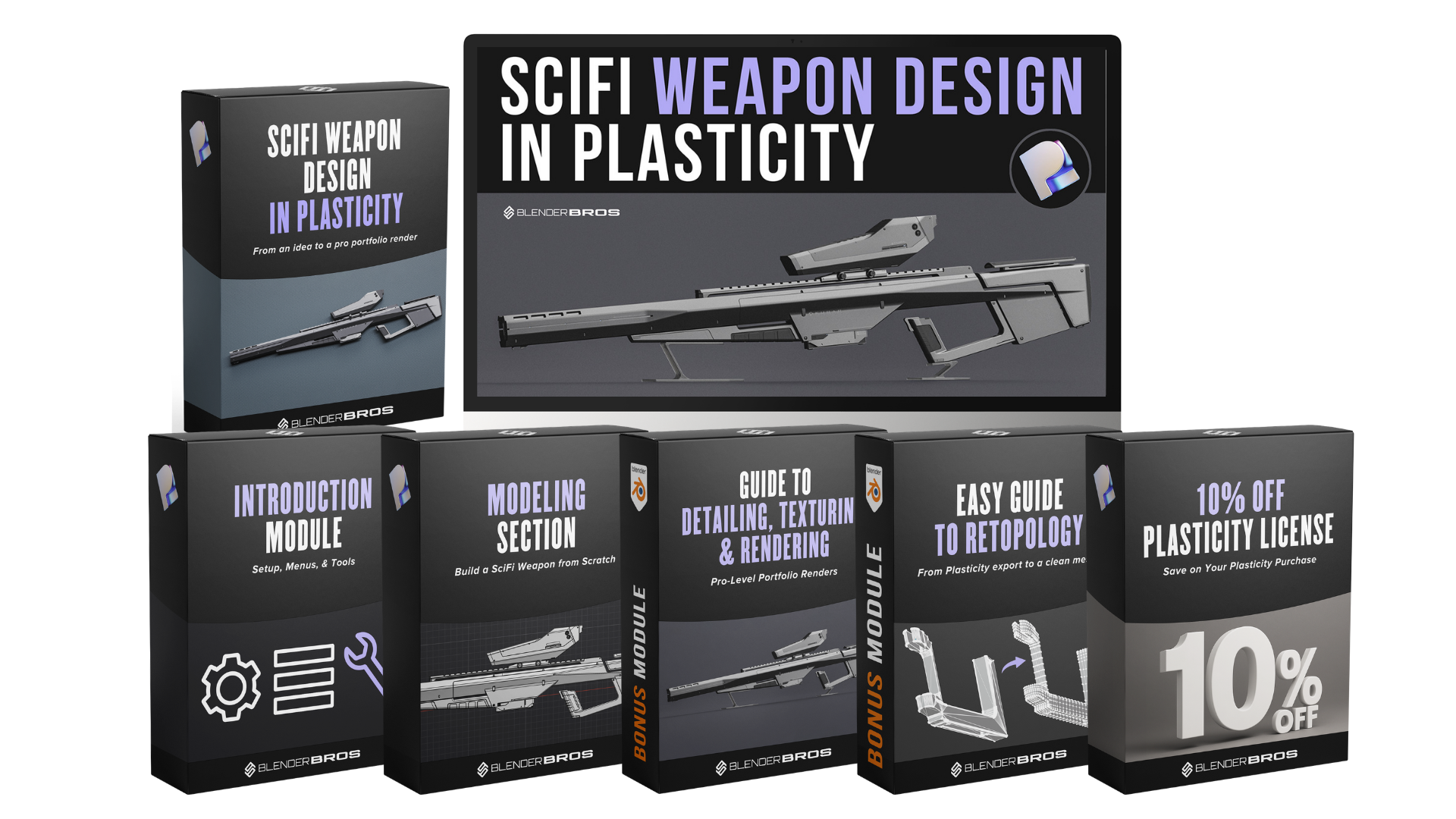
IN PLASTICITY TODAY
Early bird price · One-time payment · Instant access
[ 14-day money-back guarantee ]
- 8+ hours of Plasticity training $197 value
- 10 full modules - intro through render $97 value
- All project files & reference assets included
- Lifetime access · No expiry
// What you'll create
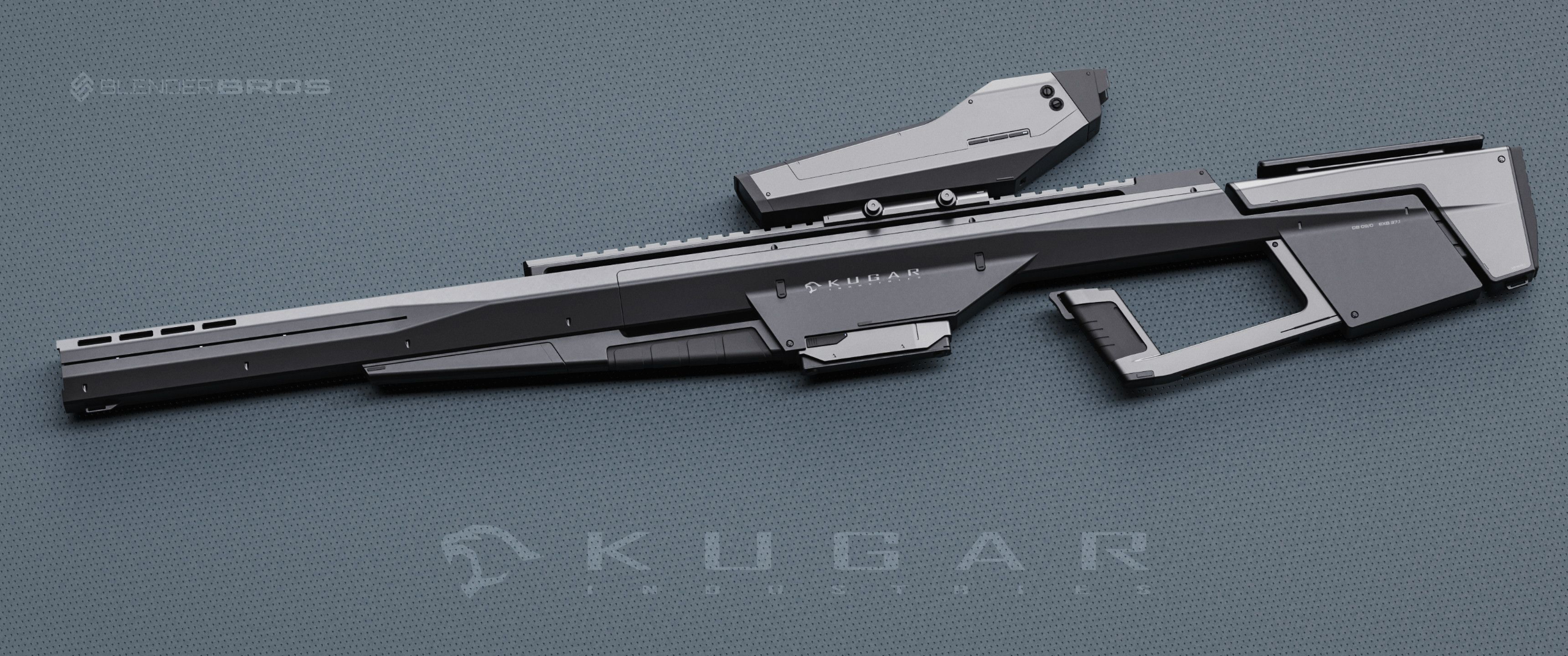
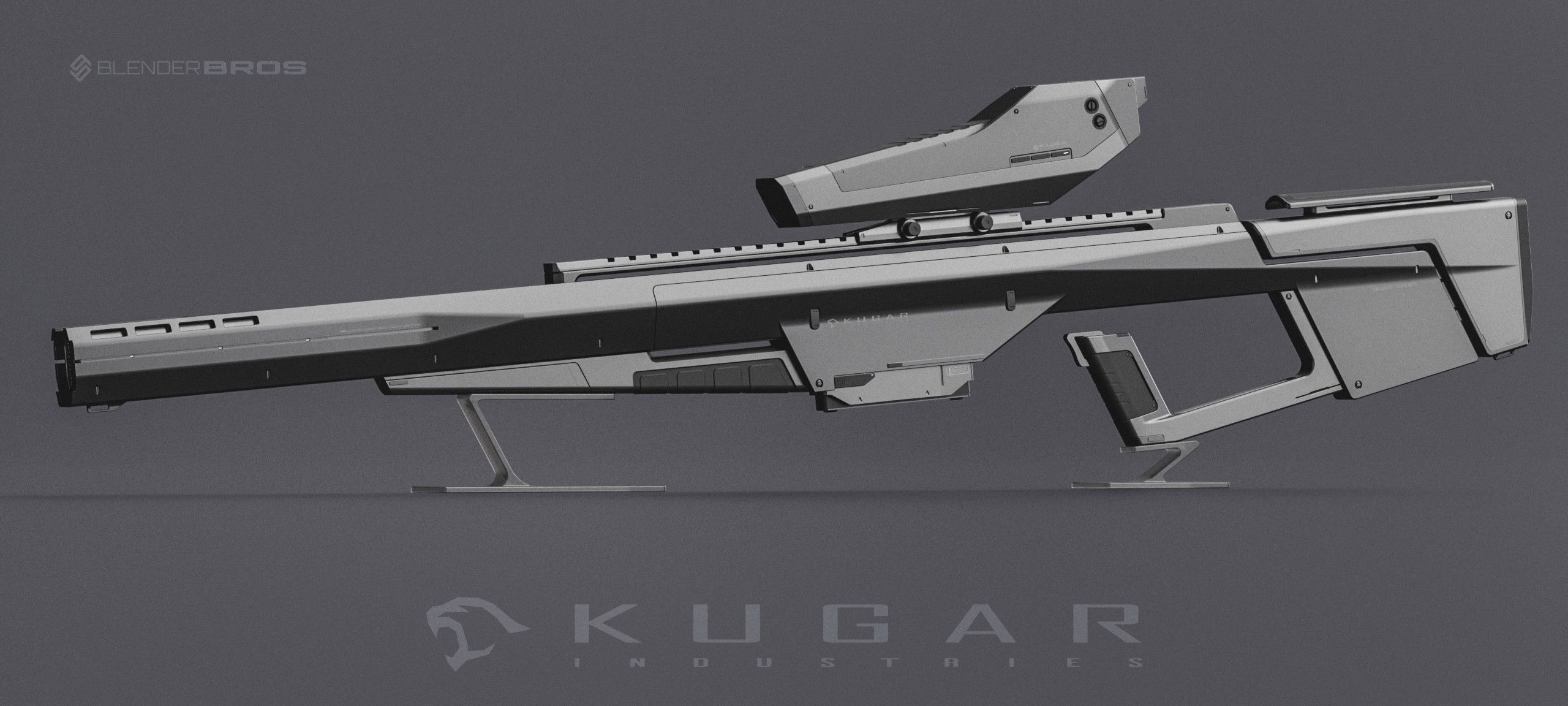
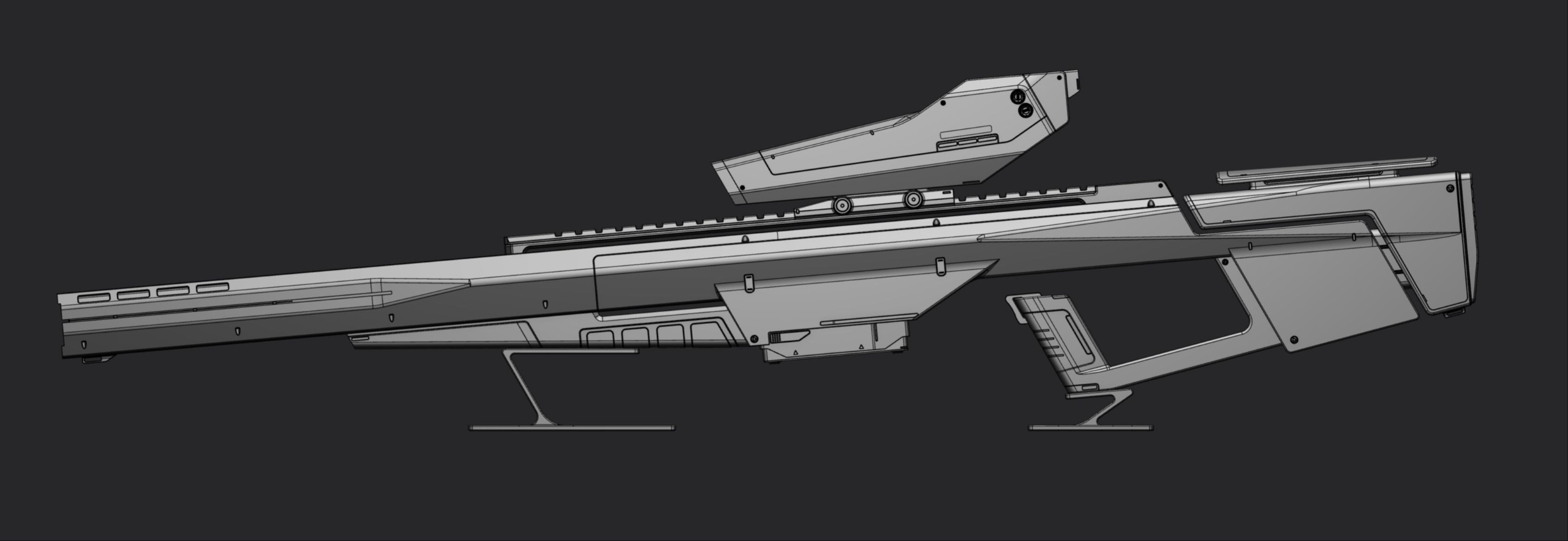
The Kugar Industries Sniper Rifle
From Plasticity viewport to final Blender render - you'll design, model, and present this full sci-fi weapon step by step.
The Complete Pipeline - Start to Finish
8+ hours of real-time instruction across 13 modules. No timelapses. Every decision explained.
Most courses teach you buttons. This one teaches you how to think. Every module covers the design decisions behind the modeling - not just the steps. You'll learn the blockout-first philosophy that makes the rest of the build effortless.
Get set up and oriented inside Plasticity. Download the project files, configure your workspace, and learn the custom radial menu used throughout the course. Useful even if you already know Plasticity.
The most important phase. 80% of your effort belongs here. You'll build the primary silhouette of the rifle using curves and basic shapes - establishing proportions, angles, and overall design language before touching a single detail.
Take the flat blockout and give it real volume. Learn how to use thickening, shell, and offset operations to turn 2D profiles into believable 3D weapon geometry.
Start designing the scope as a separate component. Establish its proportions relative to the body, sculpt the primary shapes, and learn how to evaluate scale and visual weight.
Design and model the magazine/battery component. Learn cutting, beveling, and how to make strategic design decisions for functional-looking mechanical parts.
Shape the front of the weapon - barrel geometry, combining suppressor elements, and making design pivots mid-build. Real creative problem-solving in real time.
Refine the rear section of the rifle. Add panel lines, tapering, and bevels that make the stock look sharp and professional. This is where bevel aggressiveness and shape language come together.
Return to the scope for a deep detail pass. Add panel lines, surface cuts, and secondary shapes that elevate the entire design. One of the most technique-dense modules in the course.
Design and model the scope hood using advanced lofting techniques. Learn how to fit complex shapes inside existing structures - a key skill for any hard surface project.
The final modeling push. Add emissive cuts, surface greebles, and all the finishing touches that take this from a model to a portfolio piece. This is where everything comes together.
Take the finished Plasticity model into Blender. Prep the mesh for export, apply decal-based texturing, set up lighting, and produce a professional-quality portfolio render.
The final step most artists skip. Composite multiple render passes, adjust contrast, and finalize your image so it looks like a professional product shot - not a raw viewport screenshot.
For anyone who wants to use this model in a game engine, for animation, or for any workflow that requires clean quad topology. We retopologize the entire exported mesh from ngons to clean quads inside Blender. This bonus alone is worth the price of the course.
One-time payment · Instant access · 14-day money-back guarantee
Should You Buy This?
Here's exactly why the answer is yes.
Proportions. Shape language. Bevel aggressiveness. Panel consistency. All of it - programmed into your brain directly.
The only Plasticity course covering the full pipeline: design, modeling, detailing, rendering, post-processing, and retopology. Not on YouTube. Not on Udemy. Nowhere.
No more staring at the viewport with no ideas. The blockout-first philosophy gives you a repeatable process that works every time.
Don't like it? Email us, get your money back. No questions. The only way you lose is by not trying.
Full price is $197. Early bird is $97 - half off. 8+ hours of training plus a 1h43m retopology bonus. Once the launch period ends, this price is gone.
Professional instruction from creators with 300,000+ combined subscribers - for less than a dinner out.
- Learn the complete Plasticity pipeline in one course
- Understand design decisions, not just button clicks
- Walk away with a portfolio-ready sci-fi weapon render
- Get 20+ years of design thinking programmed into you
- Full retopology bonus for game-ready assets
- 14-day guarantee - zero risk
- Keep staring at empty scenes with no direction
- Watch random 20-minute tutorials that teach bad habits
- Stay stuck at the same skill level for another 6 months
- Produce work that doesn't look professional enough to share
- Miss the only complete Plasticity pipeline course online
- Pay full price ($197) when the early bird ends
14-day money-back guarantee. No questions asked.
Retopology Bonus
Worth the Course Price Alone
1 hour 43 minutes of hands-on retopology training. Go from exported Plasticity ngons to clean, game-ready quad topology inside Blender.

Plasticity exports ngon meshes. That's fine for rendering - but if you want to use your model in a game engine, animate it, or need clean topology for production, you need quads. This bonus shows you exactly how to get there.
Ryuu walks through the entire retopology process on the rifle handle - planning edge flow with annotations, using shrinkwrap to snap to the original surface, preserving bevels and hard edges, and cleaning up the final mesh. No shortcuts. No timelapses. Every decision explained.
- Plan your edge flow before touching a single vertex
- Shrinkwrap workflow - snap new topology to the original surface
- Preserve bevels and hard edges during retopo
- Quad-based mesh from exported Plasticity ngons
- Clean up and optimize for game engines, animation, or production
- Project files included so you can follow along or study the final mesh
Anyone who wants to take their Plasticity model into Unreal, Unity, or any game engine. Anyone who needs clean topology for animation, rigging, or UV unwrapping. Or anyone who just wants to learn retopology properly - this bonus alone is worth the price of the entire course.
// Pricing
Get Instant Access Today
One-time payment. No subscription. Start watching immediately.
- [ Feature / deliverable placeholder ]
- [ Feature / deliverable placeholder ]
- [ Feature / deliverable placeholder ]
- [ Feature / deliverable placeholder ]
- [ Not included in Basic ]
- [ Not included in Basic ]
- Everything in Basic
- [ Premium feature placeholder ]
- [ Premium feature placeholder ]
- [ Premium feature placeholder ]
- [ Premium feature placeholder ]
- [ Premium feature placeholder ]
14-Day Money-Back Guarantee
If you're not happy within 14 days, email us and we'll refund you. No questions asked.
Common Questions
Do I need to already know Plasticity?
No. The Introduction module covers setup, menus, navigation, and the custom radial menu before you touch the model. Plasticity is also very easy to pick up - the commands are identical to Blender, so you'll feel at home fast.
I don't own Plasticity yet. Can I still take this?
Grab a copy of Plasticity first - you also get 10% off the software with this course. Plasticity has a free trial if you want to test it before committing.
Do I need Blender too?
Yes - the rendering, texturing, and retopology sections use Blender. Blender is free. Plasticity requires its own license (not included with this course).
This project looks too complicated for me.
It looks that way - that's the point. Most of what makes this model look impressive is good lighting, renders, and decals (basically stickers - zero thinking required). The blockout-first approach breaks the build into manageable stages. If you can follow along step by step, you can build this.
How is this different from free YouTube tutorials?
YouTube is fragmented 20-minute clips that teach isolated techniques with no structure. This is a complete pipeline - design, modeling, detailing, rendering, post-processing, and retopology - taught as one cohesive project. You finish with a portfolio piece, not a collection of half-started exercises.
Is this a timelapse or a real step-by-step course?
No timelapses. Zero. Every video is real-time, step-by-step instruction. Every design decision is explained as it happens. You see exactly what's on screen, including the mistakes and how to fix them.
Is this a one-time payment?
Yes. One payment, lifetime access. No subscription, no recurring fees, no expiry. Watch it now, rewatch it in 3 years - it's yours forever.
What if I'm not happy with the course?
14-day money-back guarantee. If you're not happy, email [email protected] and we'll refund you. No questions asked.
Learn From People Who Actually Do This
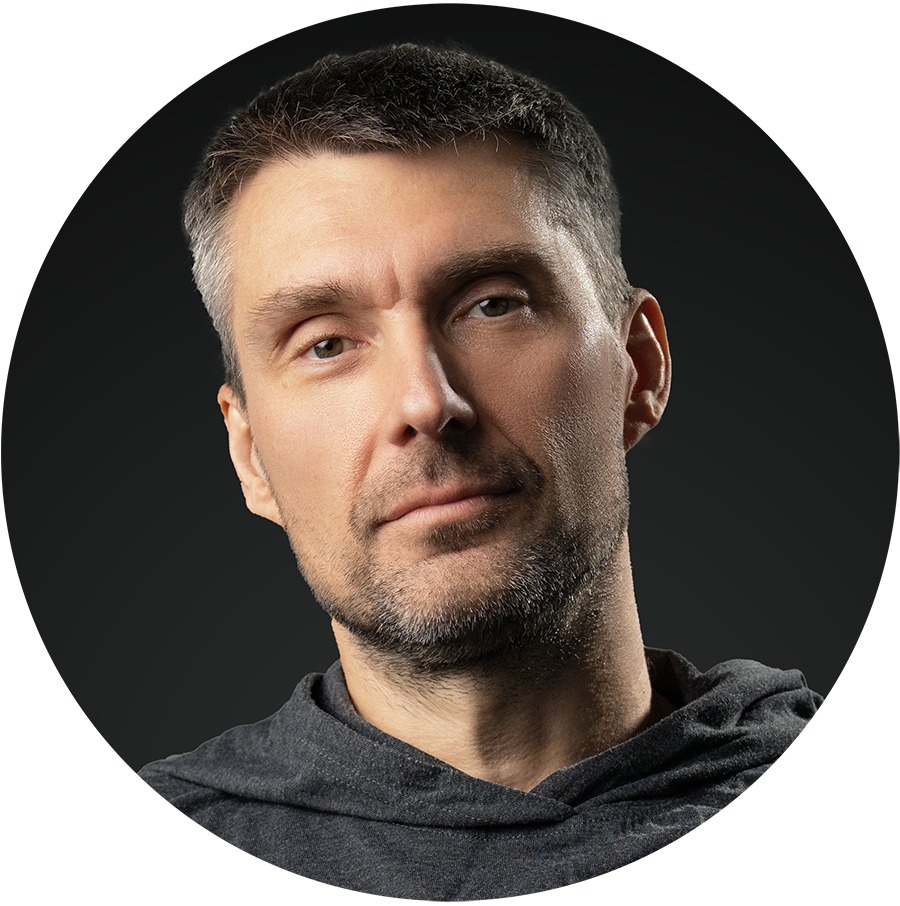
Tokyo-based multi-genre artist with 20+ years of design experience. 3D hard surface concept artist, professional portrait photographer, certified Master of Japanese Calligraphy, and author. His design background across multiple disciplines is the foundation of the design-centered teaching approach in this course.

3D hard surface artist, educator, and YouTuber with nearly a decade in Blender. Over 240,000 subscribers learning hard surface modeling from his tutorials. Builds the tools, courses, and resources that power the Blender Bros ecosystem.
Learn Plasticity.
Build Something Portfolio-Worthy.
Design, model, and render a complete sci-fi weapon from scratch - the full pipeline in one course.
ENROLL NOWOne-time payment · 14-day money-back guarantee