UPGRADE AND ACCESS ALL OF OUR PLASTICITY TRAINING PROGRAMS FOR A CRAZY 51% DISCOUNT (ONE-TIME OFFER)
Three full courses that take you from CAD fundamentals to portfolio-grade sci-fi assets - all in one upgrade.

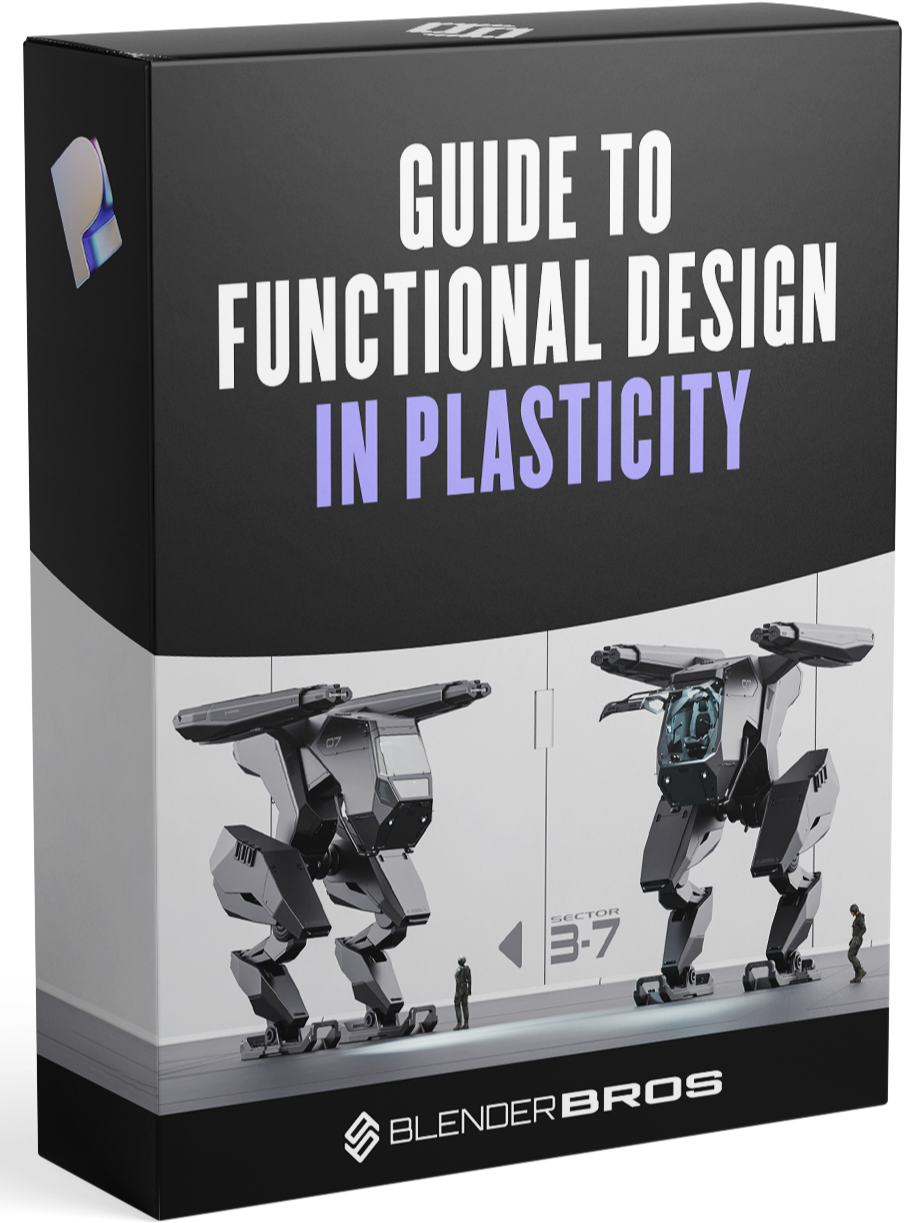
Guide to Functional Design in Plasticity
Design with intent - mechanical assemblies, functional parts, and real-world constraints modeled inside Plasticity. Go beyond aesthetics and build things that actually work.
$197 Value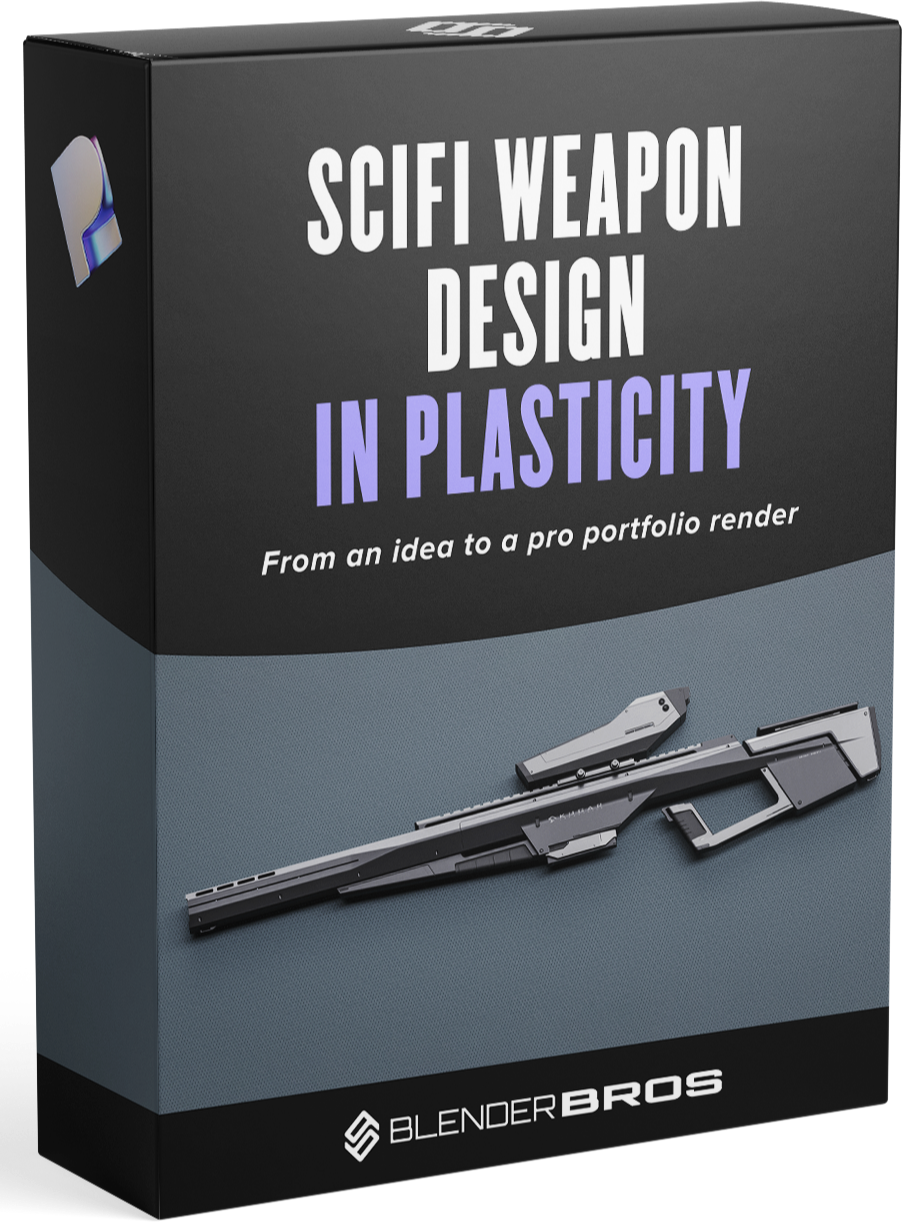
Sci-Fi Weapon Design in Plasticity
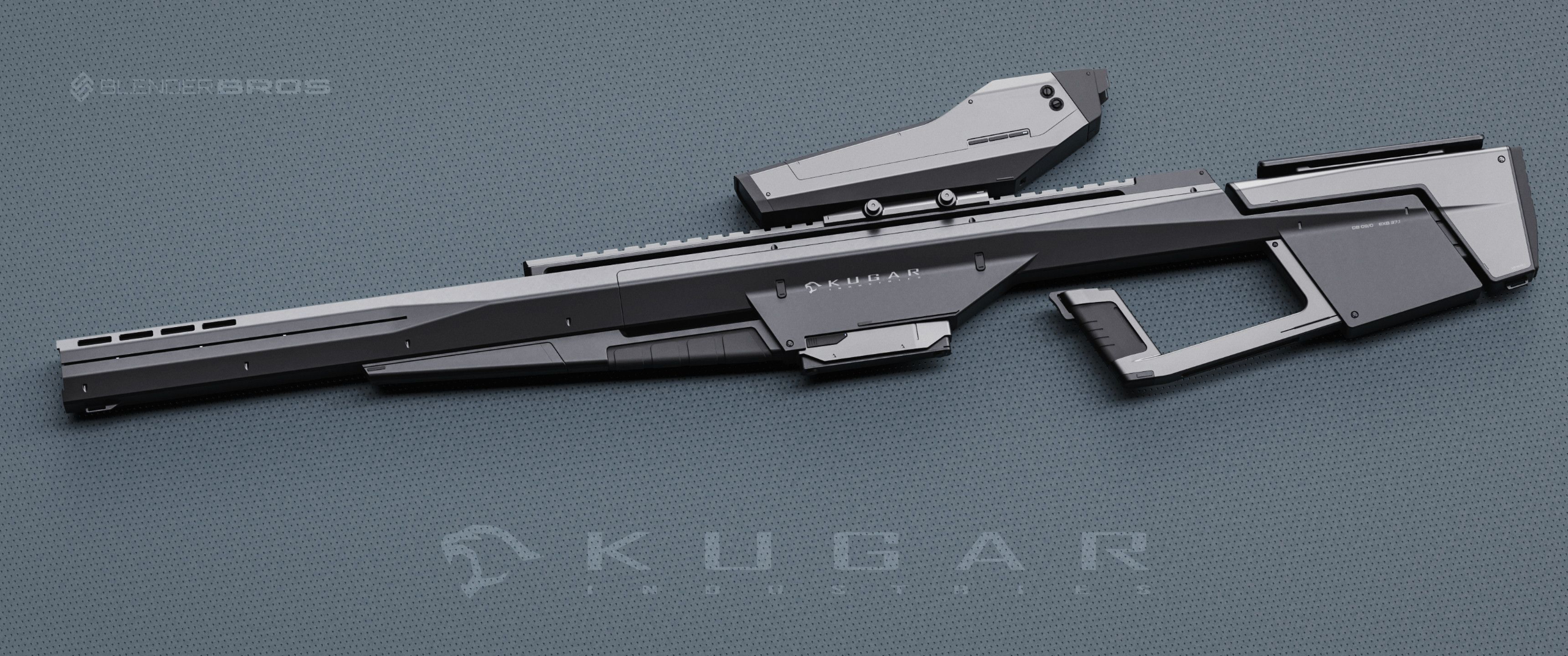
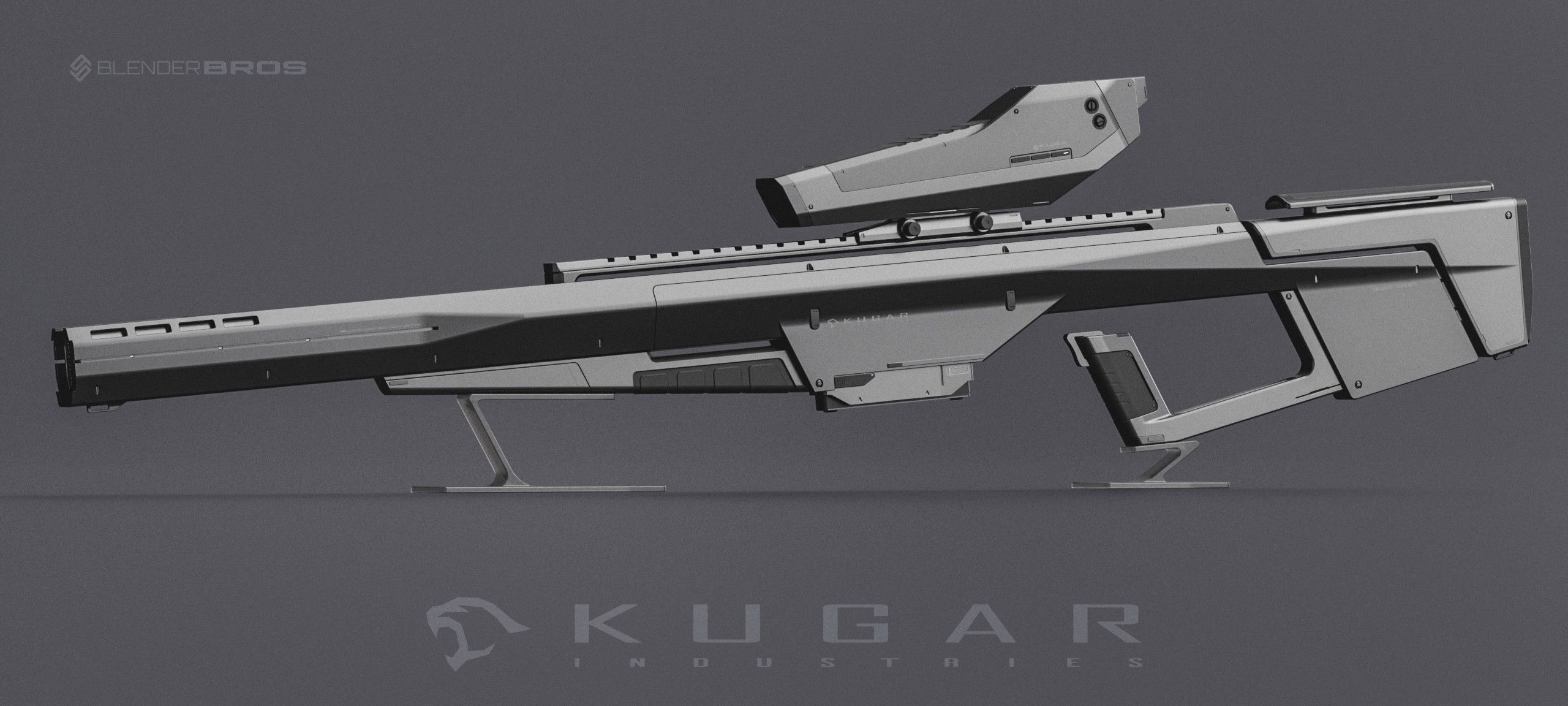
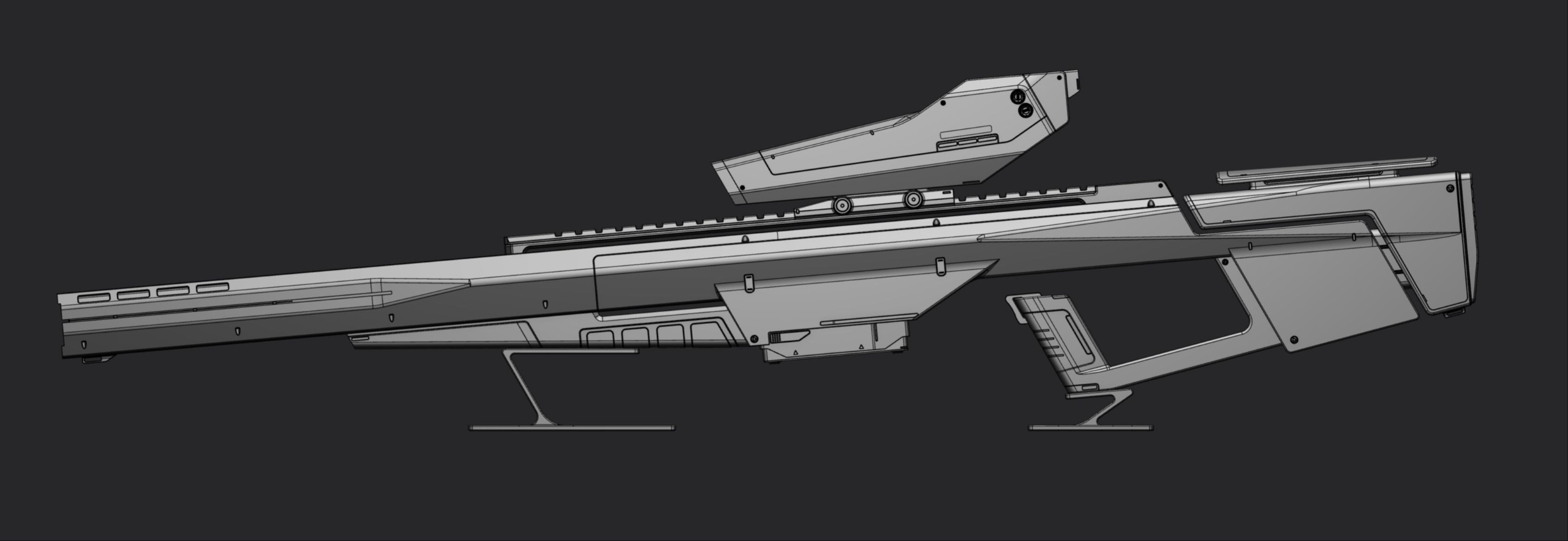
Build a complete sci-fi weapon from scratch inside Plasticity. Real asset-production thinking - panels, greebles, hard details, and export-ready geometry for game or film pipelines.
$197 Value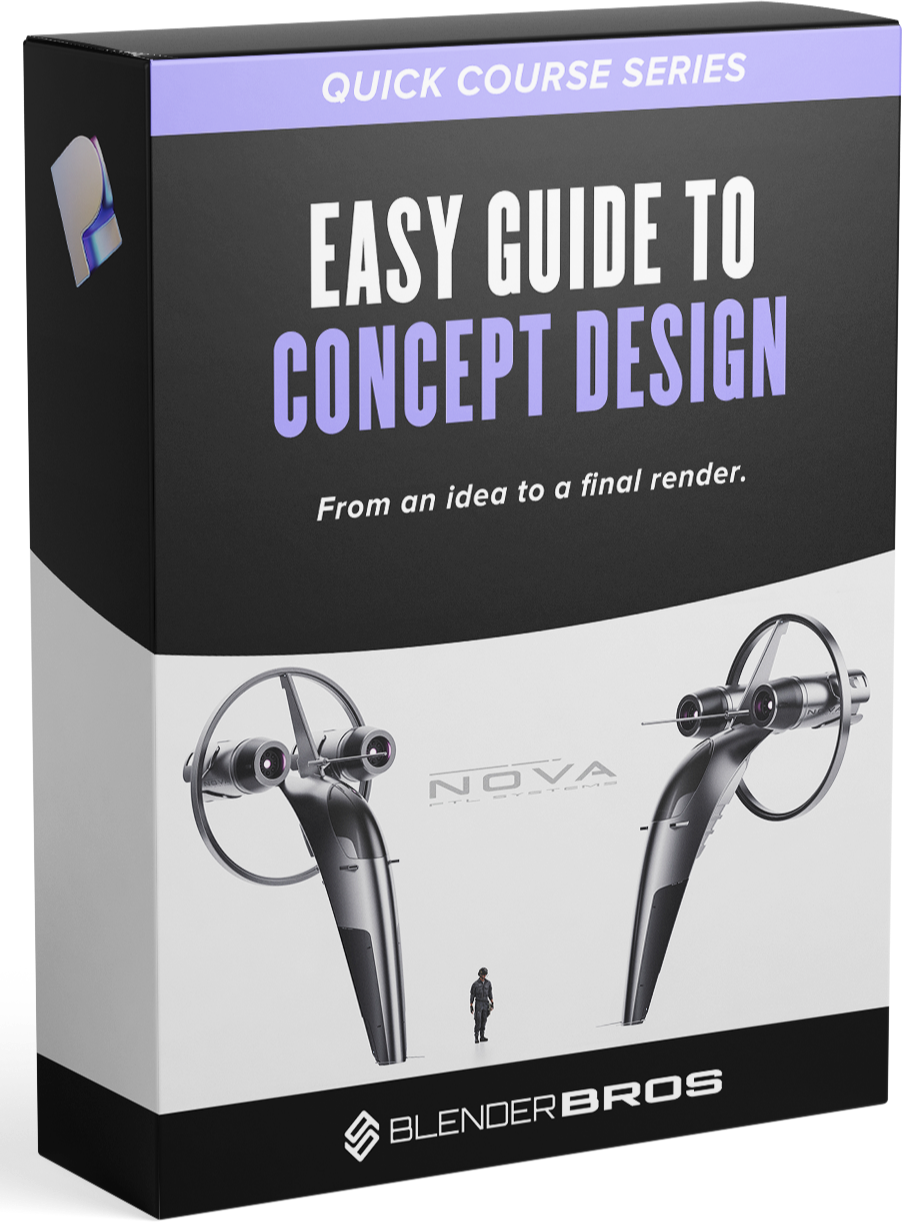
Concept Design in Plasticity
Take a rough idea to a finished concept render inside Plasticity. Ideation, blocking, silhouette, and detail work - the full workflow from blank canvas to portfolio-ready image.
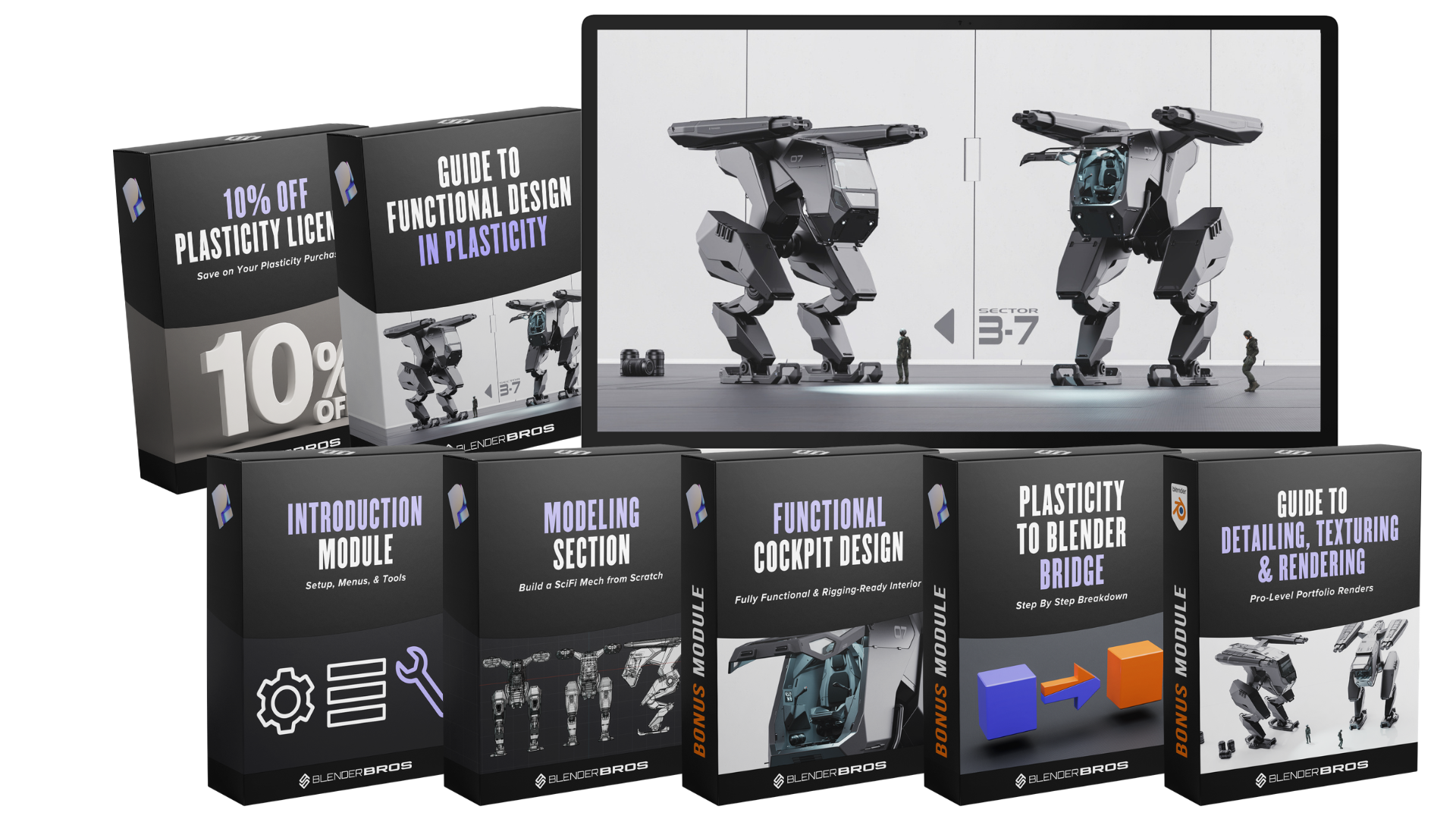
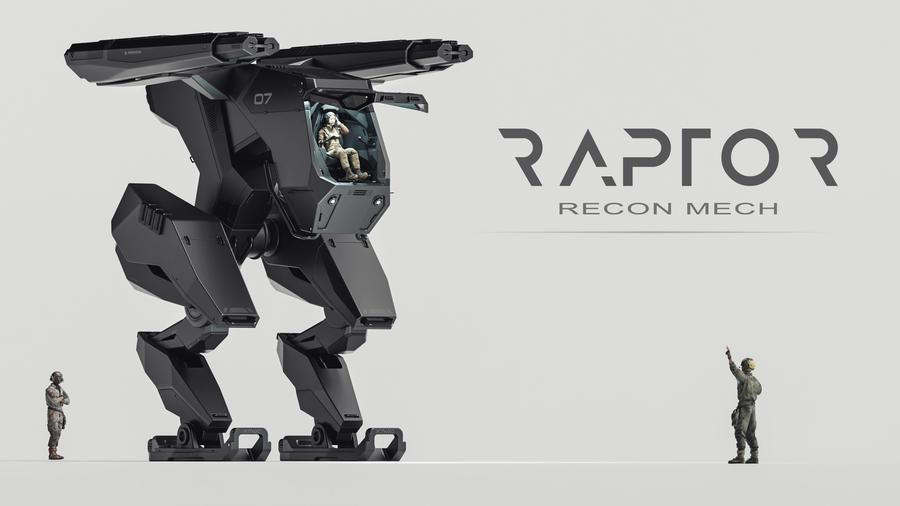
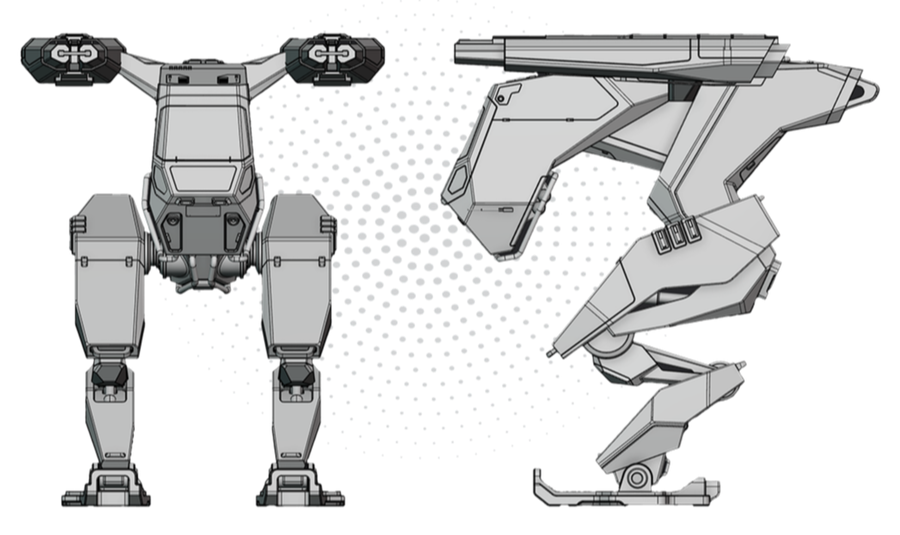
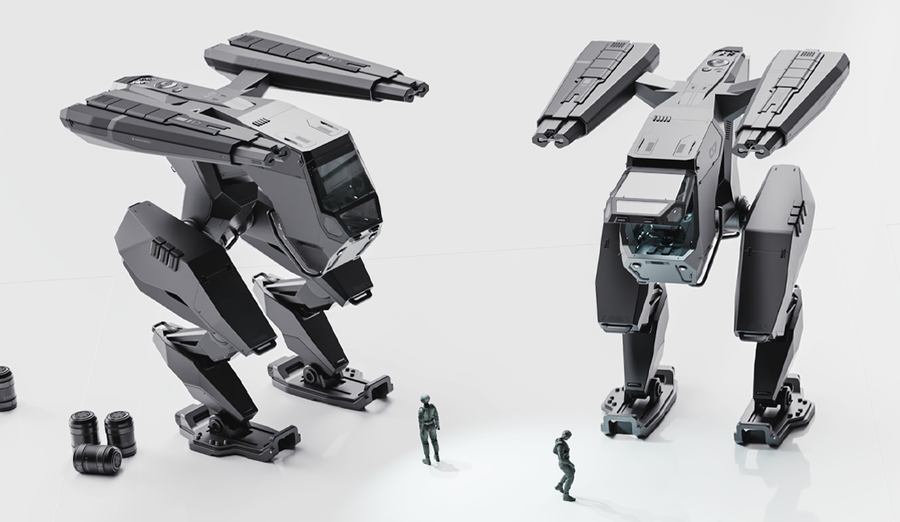
$197 ValueDESIGN A FULL SCI-FI MECH IN PLASTICITY
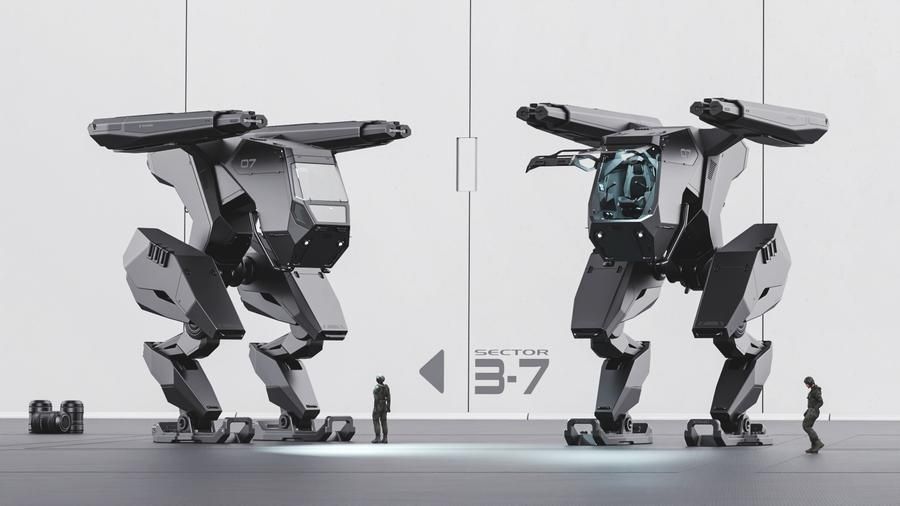
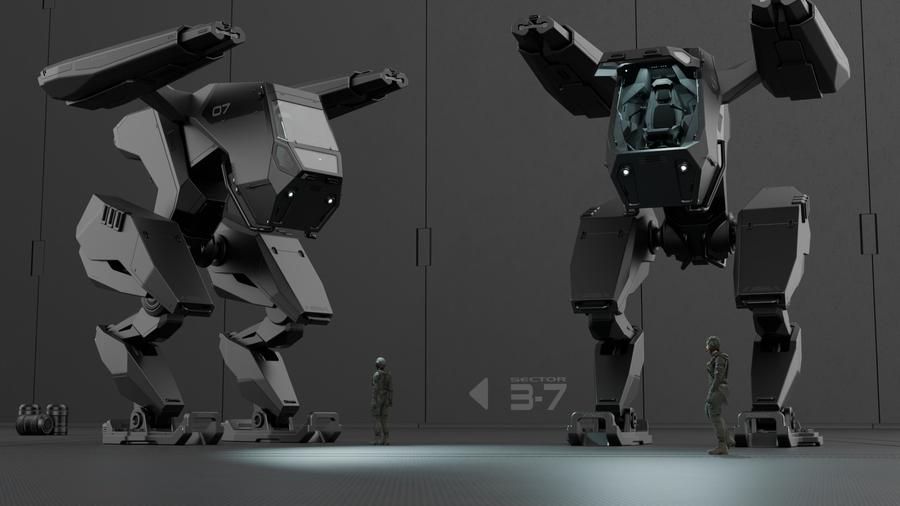
From rough blockout to rendered, rigged, animation-ready mech - no engineering knowledge required. A complete hard surface workflow inside Plasticity.
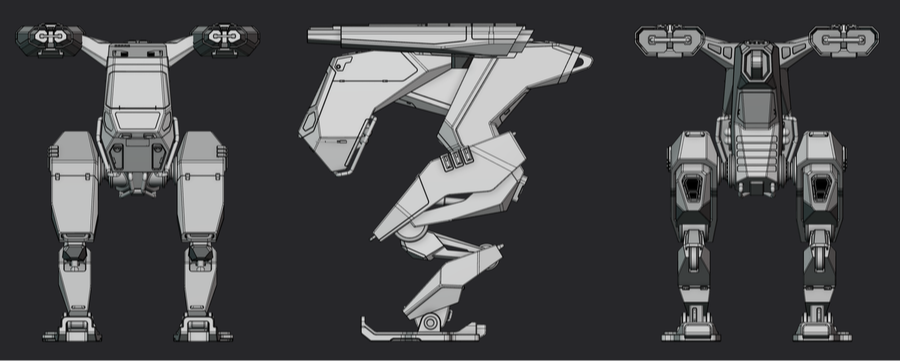
Hard Surface Modeling
- Fast mechanical blockouts from simple primitive shapes
- Booleans and curves used as design tools, not hacks
- Fillets, chamfers, and clean edge control
- Mesh prep and export for Blender via Plasticity Bridge
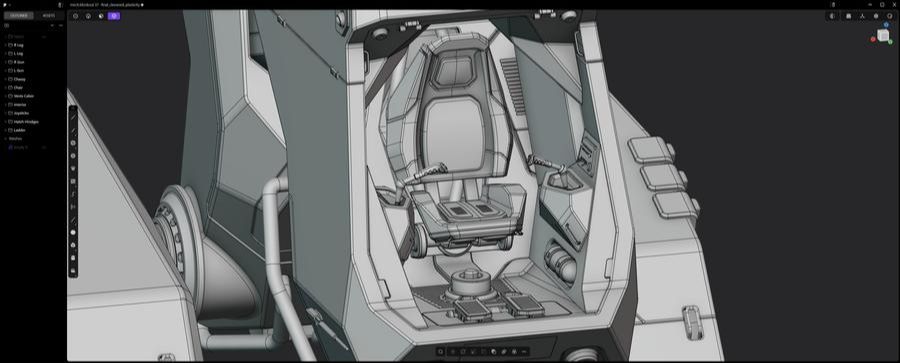
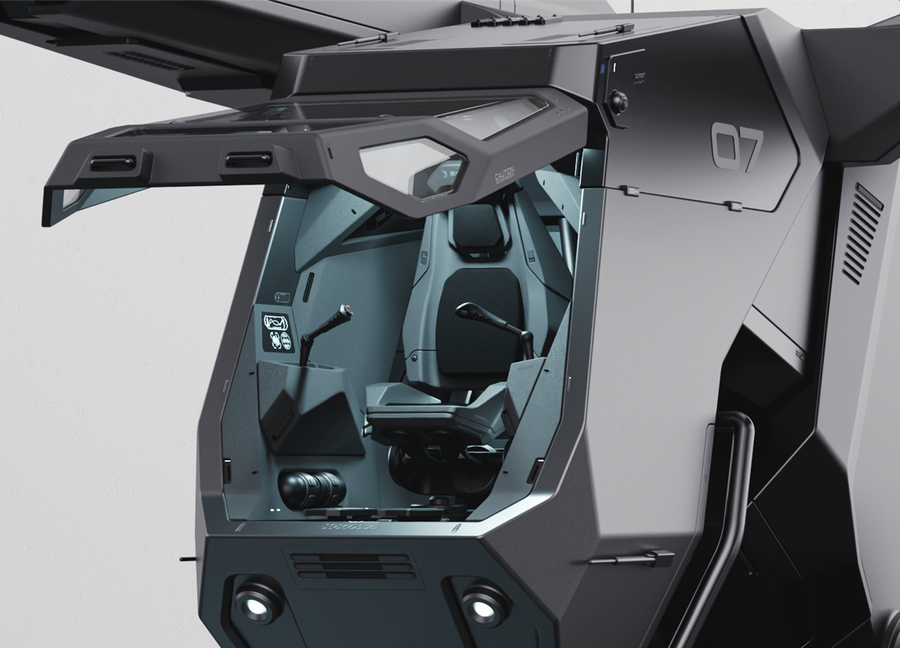
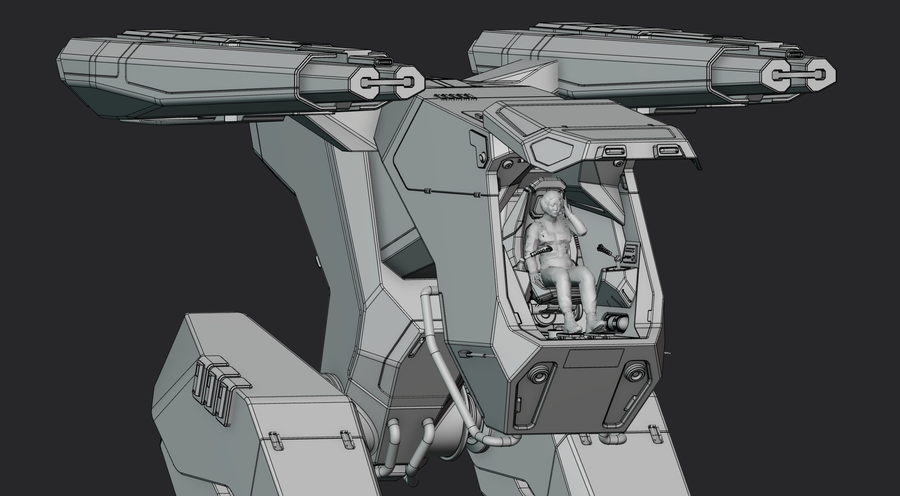
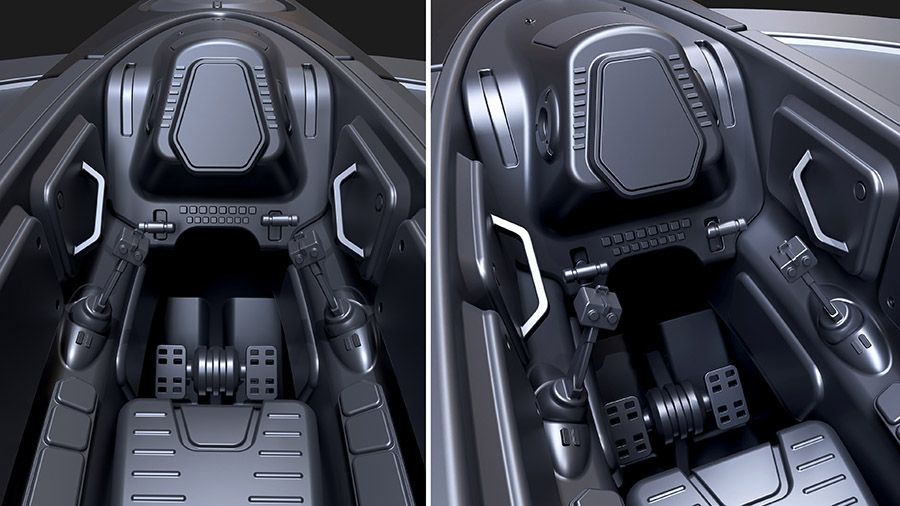
Interior Cockpit Design
- Believable, aesthetic interiors without overbuilding
- Spatial planning at scale - controls, seating, framing
- Layered detail using negative space, not clutter
- Interior-to-exterior continuity in design language
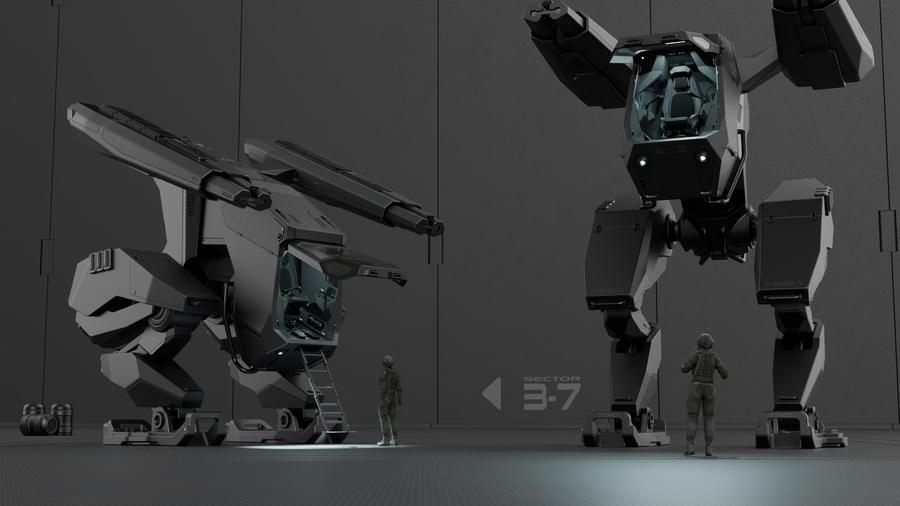
Rendering the Mech
- Clean scene setup with lights, camera, and framing
- Lighting placed to define form and edge flow
- Texturing with our MaterialWorks plugin (included)
- Camera angles and composition that sell the design
Rigging & Animation
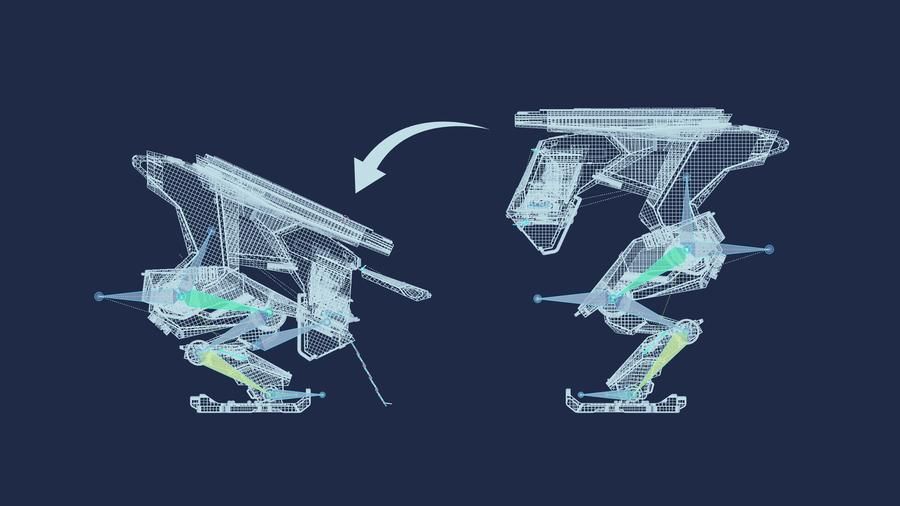
- Proper pivot and transform setup for mechanical motion
- Minimal bones for maximum control - readable rigs
- Constraint-based motion without the headache
- Rigs built with animation in mind, not just setup
DESIGN A PORTFOLIO-READY SCI-FI WEAPON IN UNDER 8 HOURS
From blockout to pro portfolio render - design, model, and present a full sci-fi weapon in Plasticity from scratch. Beginner friendly. No engineering knowledge needed.
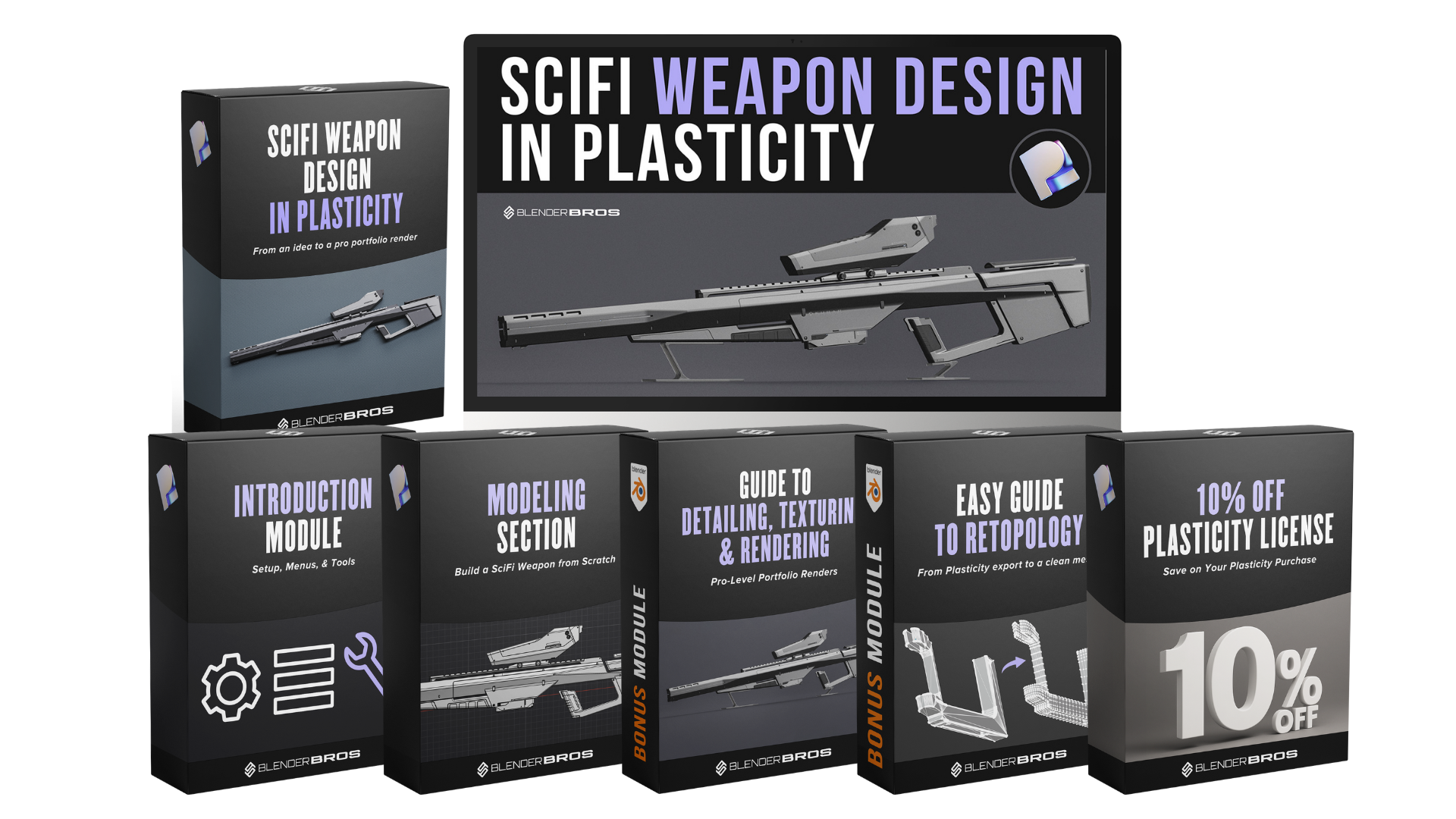
Plasticity workspace setup, custom radial menu, navigation shortcuts, and project file download. Useful even if you already know Plasticity.
The most important phase. Primary silhouette, proportions, shape language, and design consistency - 80% of your effort belongs here.
Thickening, shell, and offset operations to turn flat profiles into believable 3D weapon geometry with real volume.
Proportions relative to the body, primary shape sculpting, and scale evaluation - making the scope feel right on the weapon.
Design a mechanical insert component from scratch. Cutting, beveling, chamfering, and making functional-looking parts with real design intent.
Barrel geometry, suppressor elements, mid-build design pivots. Real creative problem-solving in real time - including the mistakes and how to fix them.
Panel lines, tapering, and bevels on the rear section. Where planar shifts and shape language come together into a sharp, professional result.
Deep detail pass on the scope. Panel lines across complex curved surfaces, secondary shapes, surface cuts, and inset techniques.
Advanced lofting to fit complex shapes inside existing structures. A core hard surface skill you'll use on every future project.
Emissive cuts, surface greebles, and finishing touches. This is where it goes from a model to a portfolio piece.
Mesh prep, export to Blender, MaterialWorks decal texturing, lighting, composition, and a professional portfolio render output.
Composite multiple render passes, color grade, adjust contrast, and finalize the image so it looks like a professional product shot.
Ngon to quad workflow on the rifle handle. Full retopology walkthrough for game engines, animation, or any production pipeline that needs clean topology.
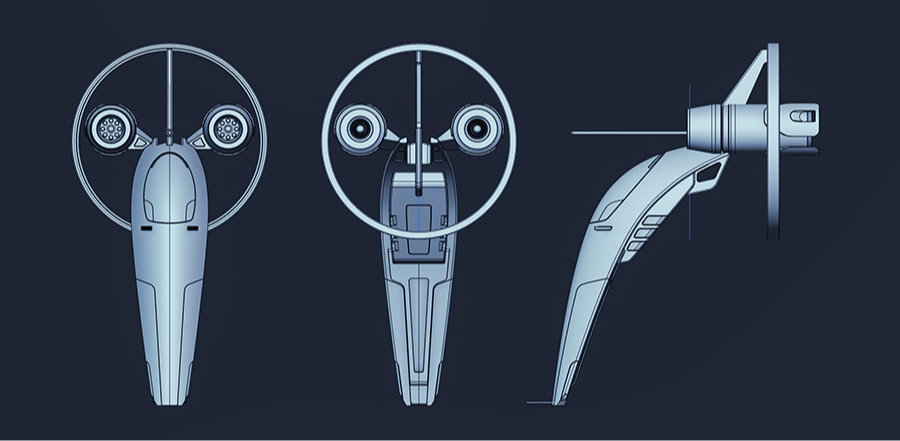
DESIGN A SCI-FI RECON SHIP IN PLASTICITY IN 3 HOURS
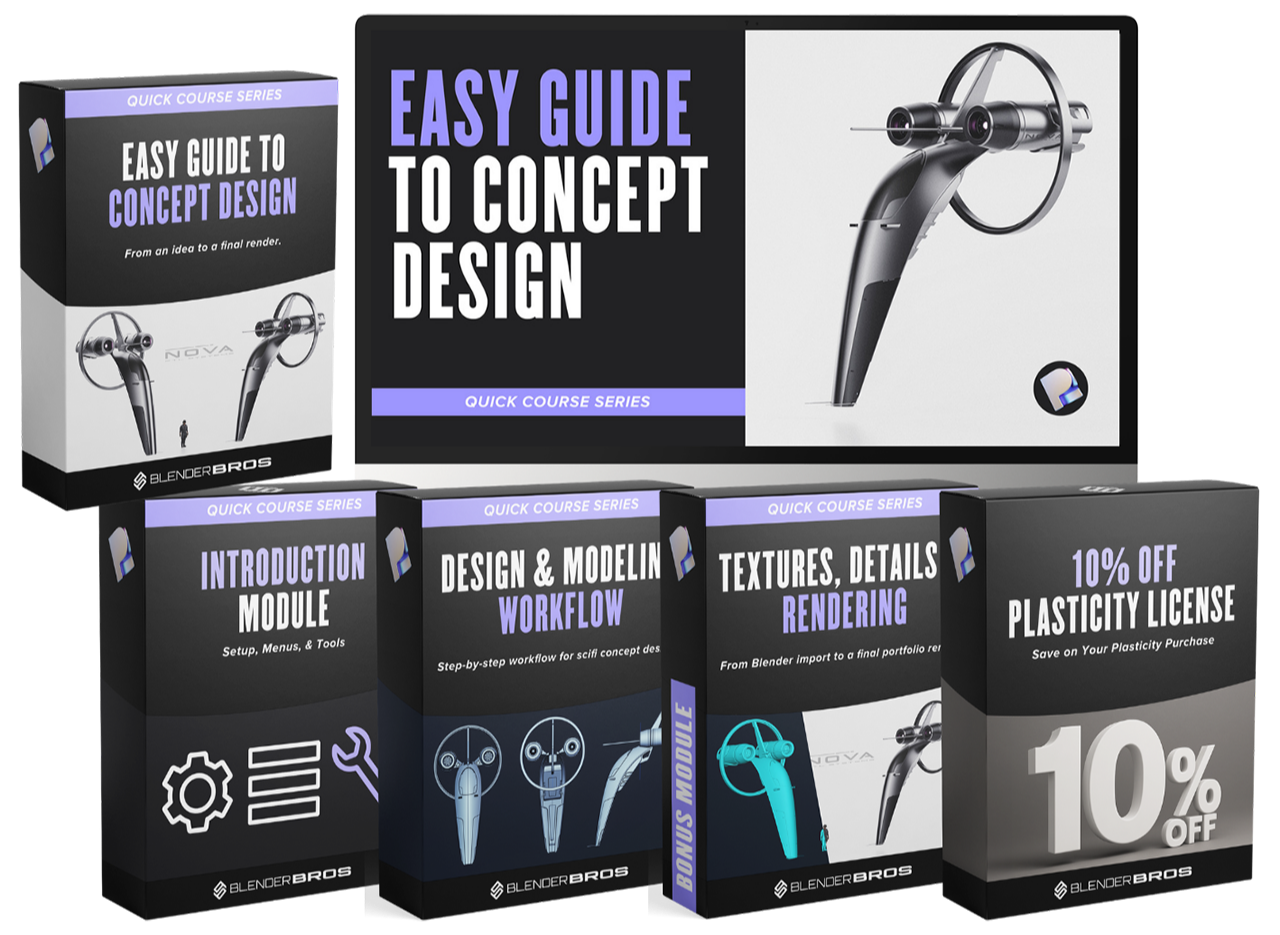
From first curve to cinematic portfolio render - blockout, surfacing, texturing, and Photoshop post-processing in one compact course. Quick wins, real results.
Get Plasticity installed and configured before you start modeling.
- Install the Plasticity Blender Bridge and radial menus for faster workflow
- Interface navigation, keyboard shortcuts, and the Blender-style control scheme
- The four object types in Plasticity - and when to use each one
- How to save safely and avoid losing progress
The core of the course - build the entire ship from scratch using Plasticity's surfacing, Boolean, bevel, and mirroring tools.
- Draw, loft, and mirror the primary hull using curves and sheets
- Build engines with intakes, exhausts, radial arrays, and blade geometry
- Cut, bevel, and panel the cockpit, fins, vents, and attachment points
- Alter the design mid-build - adjusting angles and rebuilding sections without starting over
Bring the ship into Blender, texture it with MaterialWorks, and finish it in Photoshop with cinematic color grading.
- Export from Plasticity to Blender using the live-link Bridge
- Texture the full ship using MaterialWorks metals, glass, and graphite materials
- Add decals, lights, logos, and surface details without a single UV
- Composite a cinematic final render in Photoshop with curves, Nik Collection, and film grain
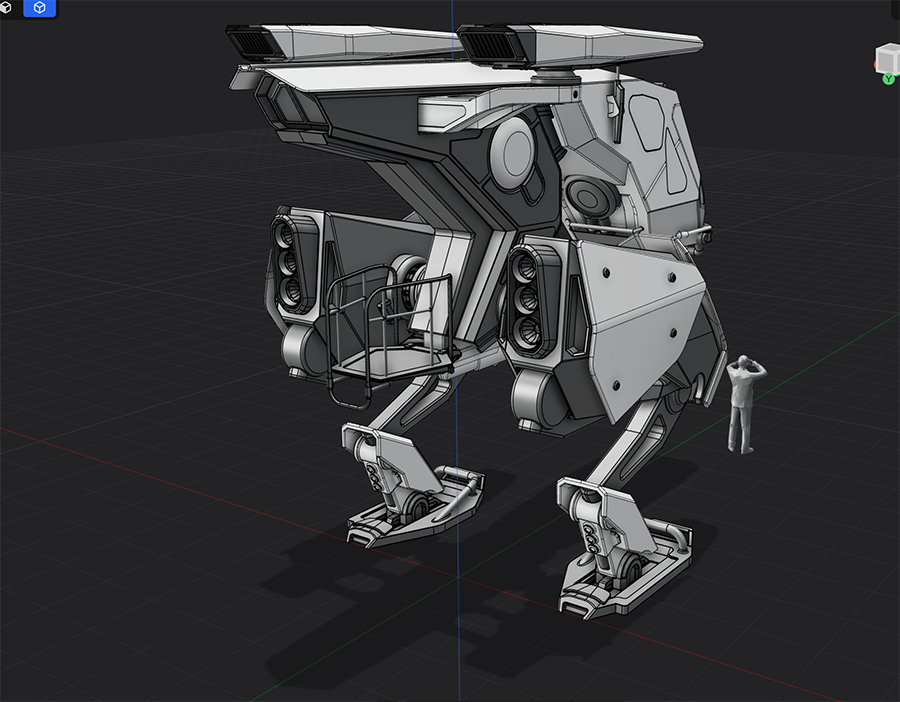
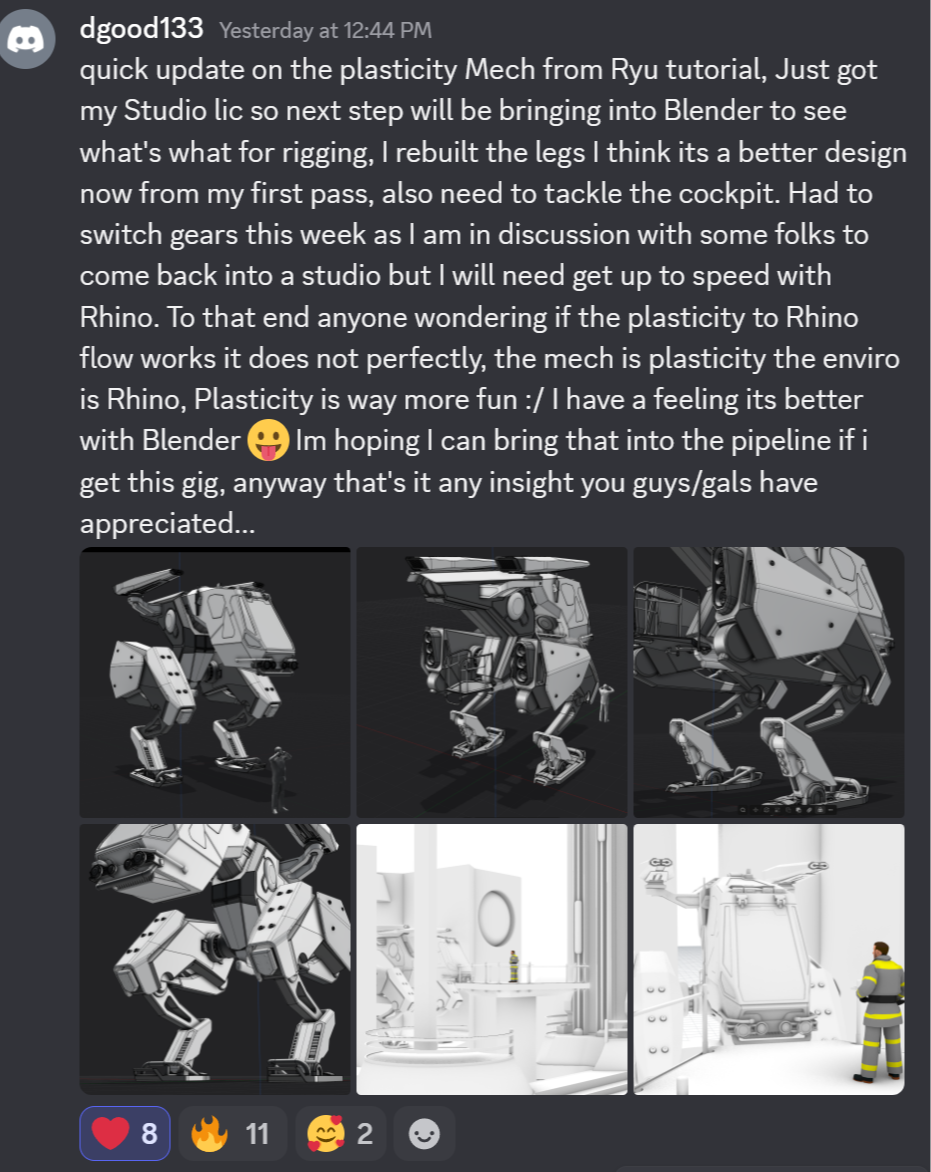
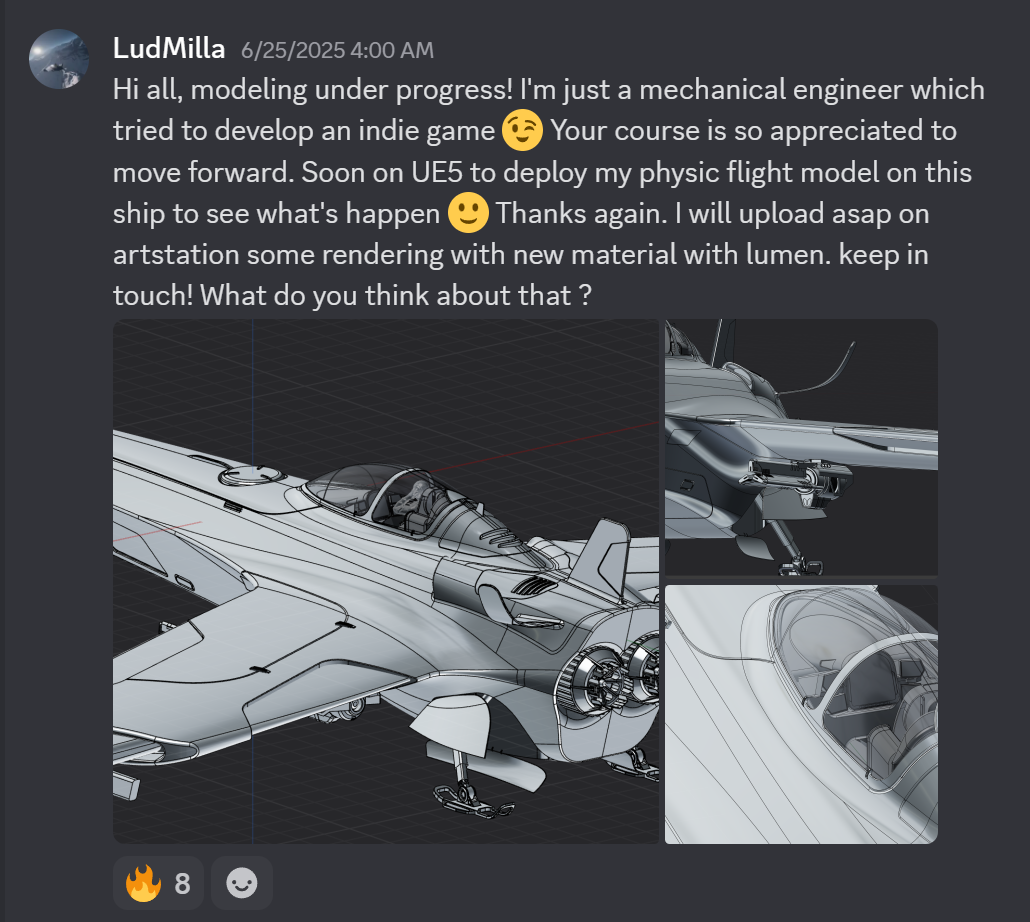
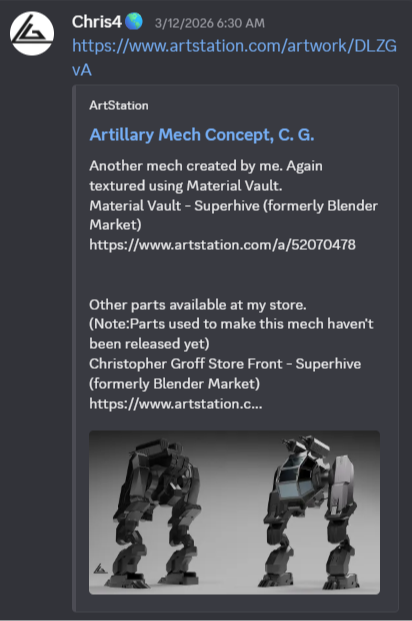
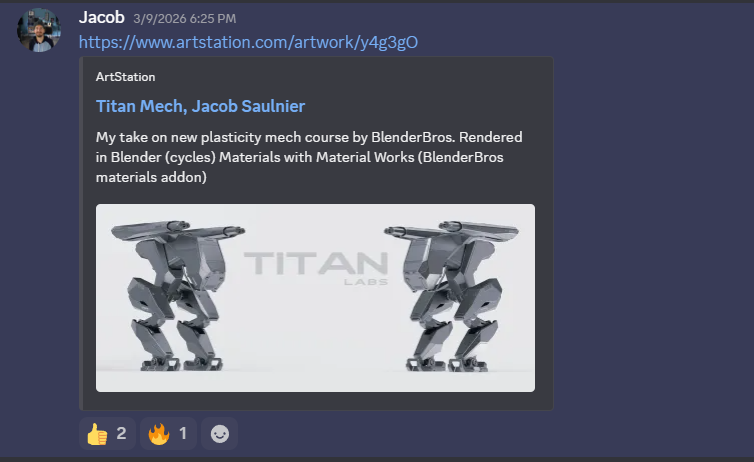
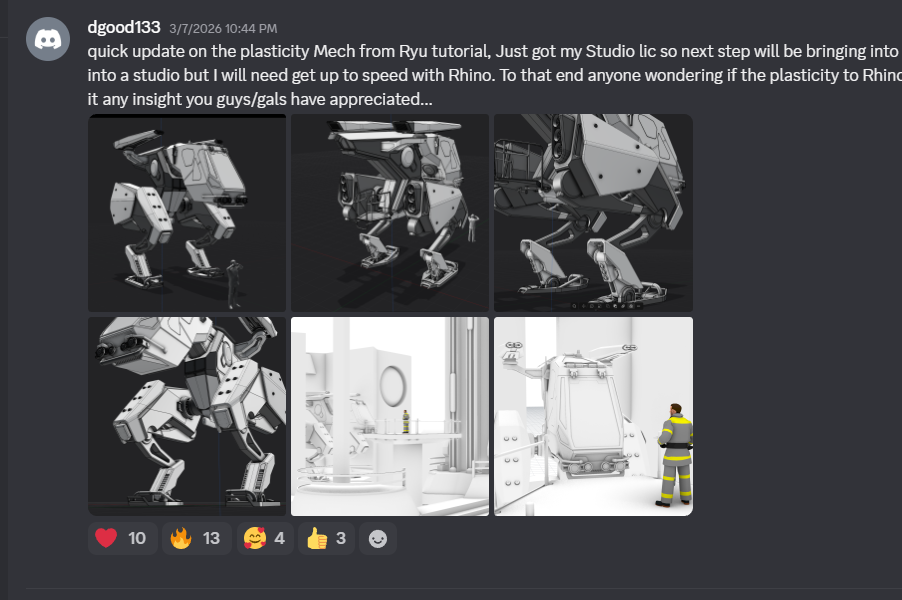
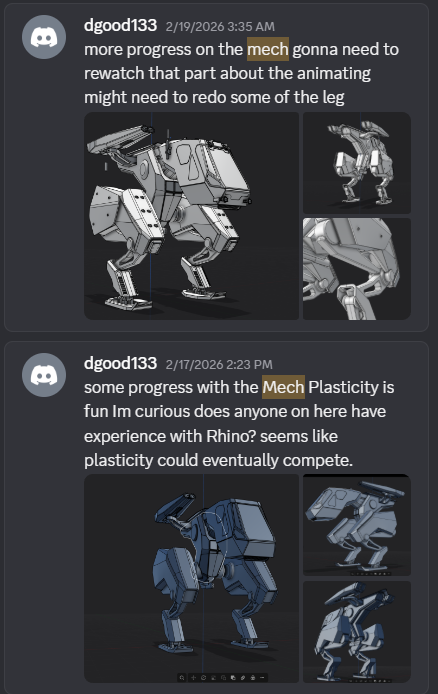
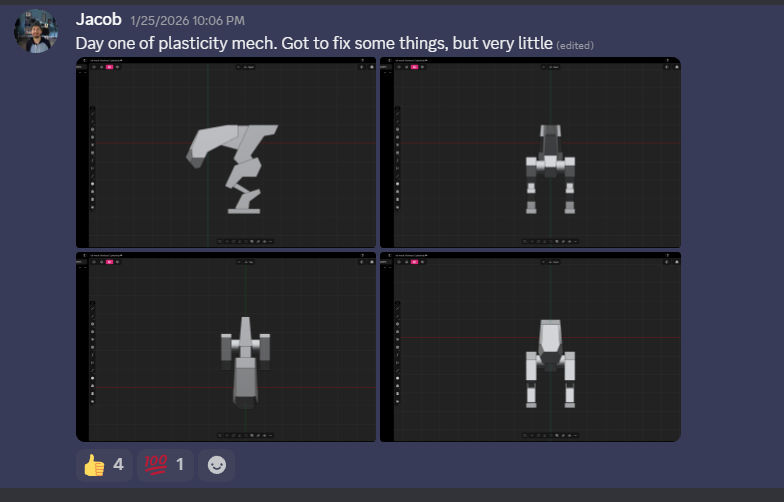
REAL WORK FROM REAL STUDENTS
These are people who bought the course, followed the process, and posted their work. This is what's possible.
Total Price: $748
Normal Bundle Price: $297
Upgrade Today For: $147
One-Time Payment (51% Off)
- Guide To Functional Design in Plasticity (Normally $197)
- SciFi Weapon Design in Plasticity (Normally $197)
- Concept Design in Plasticity (Normally $197)
- MaterialWorks Texturing Plugin Bonus (Normally $157)
- 10% Off Plasticity Software License (Valued $15-$30)
- Lifetime access - no expiry, no subscription
- 14-day money back guarantee (zero risk)
*This discount offer is only available here on this page.
Add All Plasticity Trainings To My Order (51% Off)
14-day money back guarantee