3-HOUR QUICK COURSE SERIES:
DESIGN A SMALL RECON SHIP IN PLASTICITY
Learn the Exact System We've Used to Save Thousands of Hours Over 6+ Years of Professional Modeling - Specifically Designed for Quick Results



EASY GUIDE TO CONCEPT DESIGN TODAY!
$97.00 USD
🔥 Get Instant Access Today
GET INSTANT ACCESS
14-Day Money-Back Guarantee

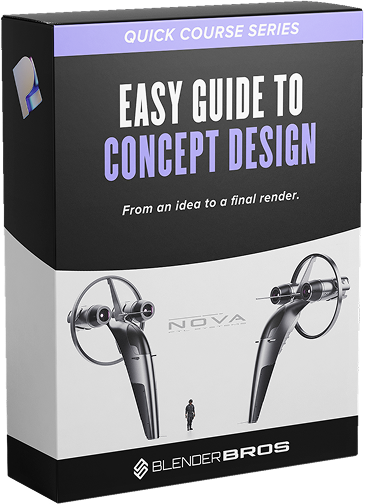
BRAND NEW 3-HOUR PLASTICITY TRAINING
A complete walkthrough of building a sci-fi recon ship from scratch - from first curve to final render
*This training is part of our new Quick Course Series, designed to get you quick wins and additional training.
Introduction: Setup, Interface & Tools
Get Plasticity installed and configured the right way before you start modeling.
This module covers everything from license selection and the Plasticity Blender Bridge to radial menus, custom matcaps, navigation shortcuts, and the four object types you'll use throughout the course (curves, sheets, solids, and instances).
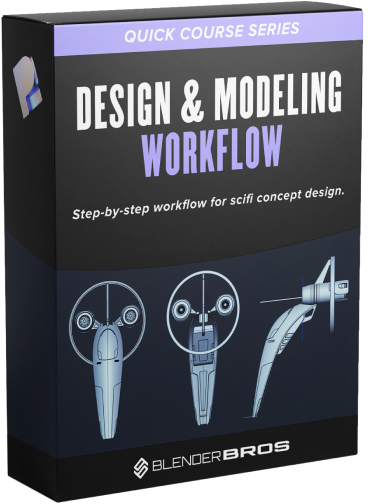
Modeling: Blockout, Engines, Cockpit & Full Ship
This is the core of the course. You'll build the entire ship from scratch using Plasticity's surfacing, Boolean, bevel, and mirroring tools.
Starting from curves and lofting, you'll develop the hull, cockpit, engines, fins, vents, antennas, and surface details - with a strong emphasis on design balance, echoing shapes, and executing clean paneling that reads well from every angle.
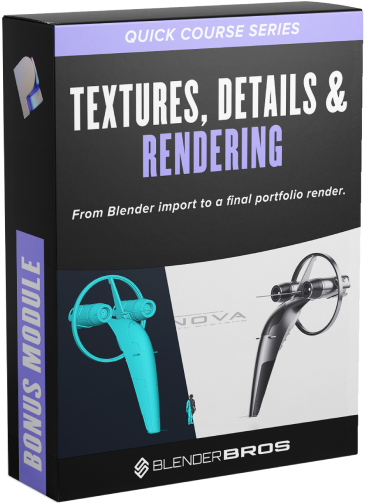
Bonus: Blender Import, Texturing, Decals & Final Render
Bring your ship into Blender using the live-link Plasticity Bridge, retopologize it for clean results, and texture the entire model using MaterialWorks.
Then detail it with our decals, set up a cinematic render with a human figure for scale, and finish it in Photoshop with color grading, film grain, and cross-processing - ready to drop straight into your portfolio.
The Only Workflow You Need to Go From Concept to Portfolio-Ready Render
We packed everything we use on real projects into this easy to digest course - the blockout, the surfacing workflow, the texturing pipeline, and the post-processing tricks. Learn from the mistakes we've already made so you don't have to.

BASIC
$97
One-Time Payment
- Easy Guide to Concept Design
- Introduction Module (Setup, Menu, & Tools)
- Design & Modeling Workflow
- Textures, Details & Rendering
- Bonus: Photoshop Post-Processing Workflow
- 10% OFF Plasticity License ($15-$30 value)

100% Guarantee Money Back
If you put in the work and follow the trainings and still don't see results and growth in your work, reach out to us within 14 days and we'll refund 100% of your money.
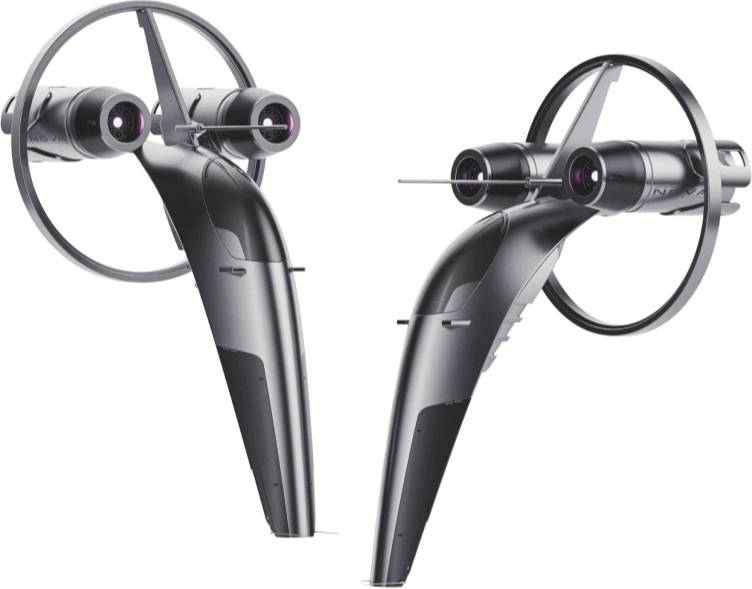
Turn Your Ideas Into Stunning Concept Renders
Learn the step-by-step process used to turn simple ideas into polished concept renders.
GET INSTANT ACCESS
© 2026. Blender Bros. All Rights Reserved